

Why Translation Apps Matter Abroad


Few travel headaches compare to the stress of not being understood. Whether you’re asking for directions, ordering food, or handling a transportation hiccup, language barriers can disrupt your plans fast. I’ve relied on translation apps more than once when a language gap seemed impossible—there’s nothing like experiencing that instant clarity after typing or speaking a phrase.
Translation apps have become almost essential for any international traveler. They bridge gaps in places where English isn’t widely spoken and empower you to connect with locals, read important signs, and navigate train stations or airports with more confidence. Instead of carrying bulky phrasebooks, you can now turn to convenient tools on your smartphone. There are several types:
- Real-time conversation apps—helpful for back-and-forth exchanges and quick questions.
- Camera translation features—perfect for translating unfamiliar restaurant menus or signs instantly.
- Offline translators—life-savers in remote areas without data or Wi-Fi.
According to recent surveys, language barriers remain one of the top challenges cited by travelers visiting new countries, underscoring the vital role of technology in modern travel. Using these apps often leads to smoother transitions, fewer misunderstandings, and even opens the door to more authentic cultural experiences. If you’re interested in other ways to stay connected abroad, check out this guide on practical travel communication tips for more useful solutions. From my own travels, I’ve found that being prepared with a reliable app boosts confidence, making those little moments—like chatting with a cab driver or finding the right train—a lot less stressful.
Real-Time Conversation Features Explored

Real-time conversation translation has changed the way travelers connect overseas. Tools that combine voice recognition with immediate language conversion now make everything from markets to hotel lobbies more accessible. When you speak, your words get picked up by your device’s mic, swiftly processed, and then spoken or displayed in another language almost instantly. It’s this immediacy that lets you ask for directions on a busy street or order food from a vendor with newfound confidence.
During a recent trip, I relied on real-time translation to explain a dietary restriction to a restaurant server who spoke no English—and the back-and-forth that would’ve been awkward instead flowed naturally. The tech shines brightest in moments like these, where direct, barrier-free conversation allows for true connection. Even basic greetings or price negotiations at local markets—situations that once caused stress—now feel approachable. Imagine stepping into a taxi, stating your destination, and having it interpreted in a way the driver understands right away.
Of course, these features aren’t flawless. Accuracy depends on several factors. Strong accents, unpredictable pronunciation, or background noise can throw off voice recognition, leading to some amusing or confusing translations. Also, slang and idiomatic phrases might trip up the software. I’d recommend comparing several real-time translation apps and learning about how their voice recognition technology in travel apps functions behind the scenes before you leave home. That preparation gives you more realistic expectations—and avoids surprises when you need help most.
How Camera Translation Actually Works

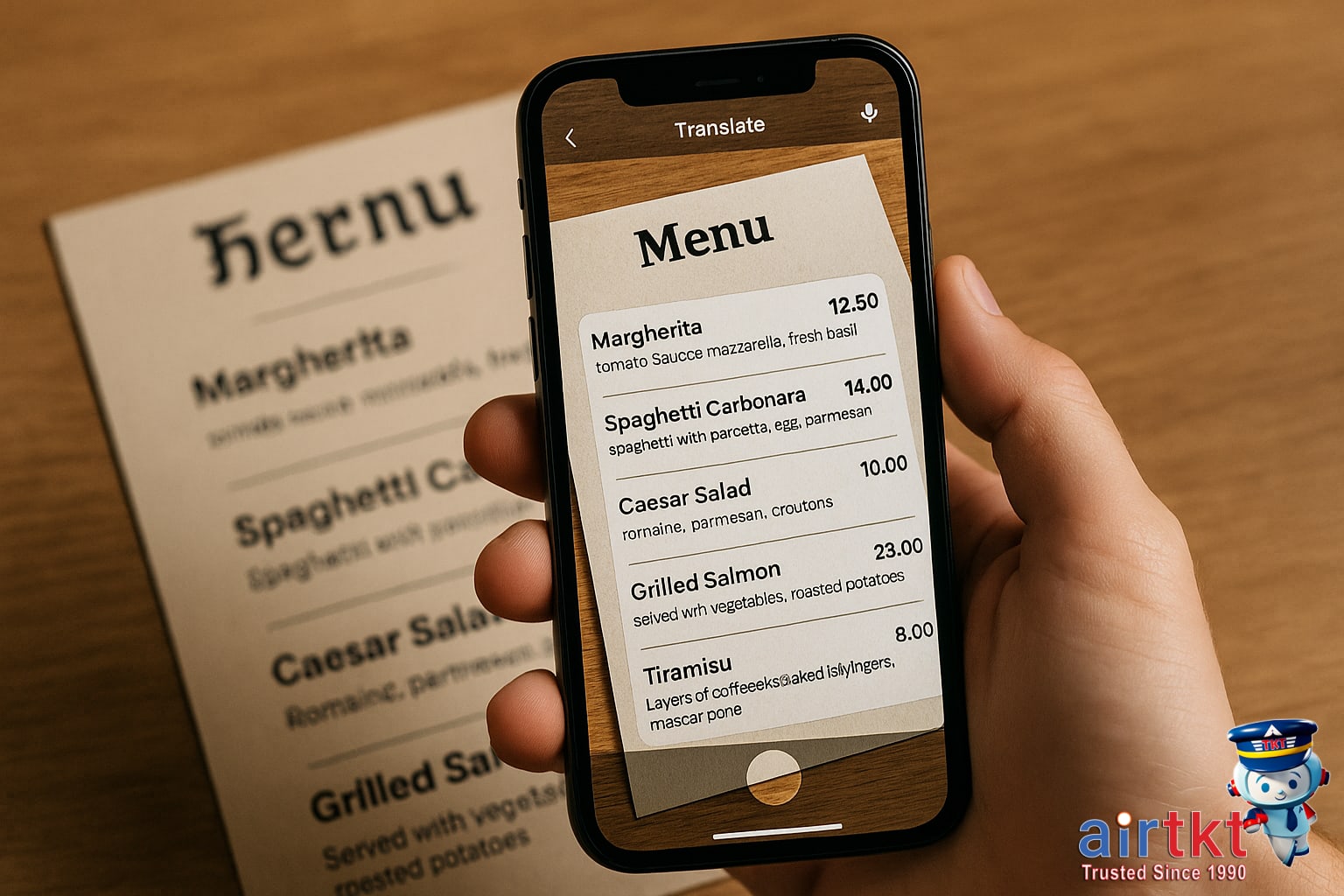
Camera translation apps have become true travel companions, especially in places where the local alphabet or script looks intimidating. These apps use something called optical character recognition (OCR) technology. In simple terms, OCR scans printed text through your smartphone’s camera, then recognizes and converts those images of text into actual words your phone can process and translate. This tech works surprisingly well on everything from road signs to handwritten notes, so you’re not stuck guessing at a menu or ticket machine ever again.
The practical uses are endless. Personally, I’ve relied on a camera translation app to scan menus in small local restaurants where English wasn’t available—I’ve avoided more than one surprise entrée that way. Whether you’re staring at a bus schedule in Thai, a French bakery sign, or a museum placard in Greek, camera translation quickly bridges the gap. Just point your smartphone’s camera at the printed words, and the app overlays the translation directly onto your screen. It genuinely feels like you’re seeing the world in your own language.
The app interface makes it straightforward. Most apps guide you to align the text inside a box on your screen and snap a picture, or sometimes they translate live as you hover over the words. Usually, you’ll get the option to copy translated text, save it for later, or listen to it read aloud. Some camera translation apps even work in offline mode, which is a lifesaver when you’re exploring places with spotty internet.
For travelers who want smoother city exploration, camera translation pairs well with other digital tools. If you’re curious, here’s a good rundown of travel apps that help with city navigation.
Offline Translation Options for Travelers
If you’re heading to places where Wi-Fi is shaky or mobile data charges add up fast, offline translation tools can be a real lifesaver. I’ve personally relied on downloaded language packs during rural bus rides and in airports where my SIM card just wouldn’t connect—it made ordering food and asking for help much less stressful. Whether you’re navigating remote villages or want to avoid roaming fees, using a translation app without internet keeps you connected to the essentials.
How to Prep Translation Apps
Most leading language apps, like Google Translate and Microsoft Translator, offer offline mode. To get ready:
- Open your translation app while you still have a solid internet connection.
- Search for “Offline mode” or “Download languages” in the app’s settings menu.
- Select the languages you’ll need (both your own and your destination’s).
- Download the language packs—this can take a few minutes and a bit of storage space, so I recommend doing it on Wi-Fi before your trip starts.
Now when you’re on the road, just switch your app to offline mode, or it’ll automatically use the downloaded pack when it detects there’s no internet. No more worrying about surprise roaming fees or finding a hotspot just to translate a menu.
Benefits and Drawbacks of Offline Mode
Offline translation is fast and doesn’t depend on a connection, which is great in emergencies or far-off locations. Plus, it protects your privacy, since translations stay on your device. The trade-off is that offline packs can take up storage, and translation accuracy sometimes drops—especially for slang, idioms, or complex sentences—because the app has less data to pull from than when it’s online.
If every byte matters on your phone, consider only downloading the most essential languages. And keep in mind: voice and camera translation features might be limited or slower when you aren’t connected.
For more tips on managing mobile data and using your phone offline while traveling, check out our guide to airtkt.com travel tips for data and offline tools.
How Google Translate Stacks Up
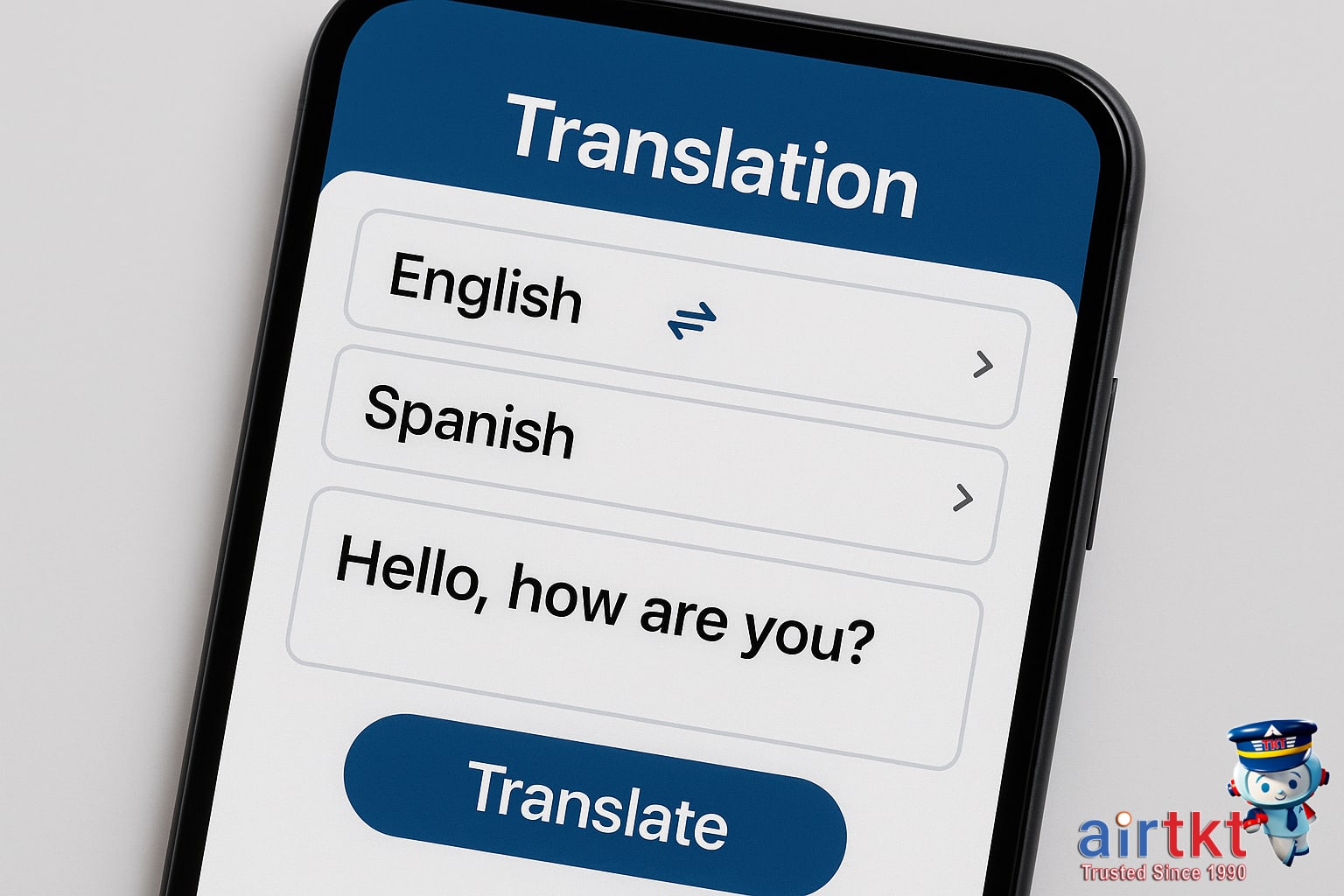
If you’re gearing up for an international trip, you’ll notice there’s no shortage of translation apps out there. Google Translate is often the go-to, but it’s helpful to see how it compares to some of its top competitors, both in features and real-world use. Here’s a practical rundown to help make your choice a little clearer.
Key Competitors and Their Features
- Google Translate: Supports over 100 languages, works offline for many of them, and offers instant camera translation in dozens. Voice, text, handwriting, and real-time conversation modes make it adaptable in most travel situations.
- DeepL: Known for impressive nuance and context in European languages. The free version covers fewer languages than Google but offers strong neural machine translation. The interface is clean and user-friendly, especially for text-heavy needs.
- Microsoft Translator: Offers group conversation translation, offline modes, and direct integration with Microsoft tools. While its language coverage is smaller than Google’s, it’s praised for accuracy in certain Asian and European tongues.
- iTranslate: Comes with voice-to-voice translation, phrasebooks, and offline packs, but some of its standout features like verb conjugations and offline mode require paid upgrades. The free version is solid for basic needs.
Strengths and Limitations Compared
Google Translate’s biggest strength is the sheer scope of languages and features, especially its instant camera translation for menus and signs. It’s free for nearly all features, which constantly draws travelers back. However, it can get clunky with less-common dialects or nuanced phrases and sometimes mistranslates context-heavy text. DeepL is better at translating longer passages, but it’s limited when you need Asian or less-spoken languages. In my experience, I rely on Google Translate for quick, on-the-spot translations but turn to DeepL when I want more accurate, natural-sounding sentences in French or German.
Usability-wise, Google’s layout is simple, and its offline mode supports about half its language list. Microsoft Translator appeals to groups or families because of its multi-device conversation feature. iTranslate is great for casual travelers, but the most helpful tools come with a subscription of about $5.00 per month.
User Feedback and Trends
Scanning reviews on platforms like the App Store and Google Play, travelers love Google Translate for its “always there” reliability and free price tag. Common complaints note awkward phrasing or occasional literal translations that miss local context. DeepL is praised for its smooth, natural output but critiqued for limited free language options. Microsoft Translator users mention reliable offline mode and strong voice translation. Overall, users recommend mixing and matching apps based on destination and what you’ll use most—a strategy I’d support after dozens of trips.
If you want a deeper breakdown of travel-friendly language tools, check out our guide to finding the best language translation apps for travelers. Each app’s strengths can really depend on both your needs and where you’re headed.
Translation Apps: User Interface Priorities

When you’re traveling, a translation app’s user interface can make or break your experience—especially in fast-paced, unfamiliar situations. The best translation apps keep things simple with large, clearly labeled buttons, intuitive menus, and minimal learning curve. Features like an easy toggle for input modes (voice, text, photo), prominent “clear” and “back” buttons, and visual feedback for completed translations are all positive signs.
What frustrates travelers most is bad interface design: cluttered home screens, unclear settings menus, or tiny icons that are hard to spot on the go. I remember trying to order food in Germany using a popular translation app, only to waste precious minutes figuring out how to switch from camera to voice input—the confusing icon layout completely threw me off. In contrast, some leading apps let you switch modes with one tap and offer helpful tooltips, letting you focus on the real interaction instead of fiddling with your phone.
Why UI Impacts Real-Time Use
In real travel scenarios—like quick conversations at train stations or asking for directions—a streamlined interface means less stress and fewer mistakes. An intuitive UI lets you translate phrases or snap a menu photo instantly, while a confusing layout forces extra steps that can slow you down and make you feel flustered. User-friendly design isn’t just about aesthetics; it’s about reducing your cognitive load so you can concentrate on your surroundings.
Industry experts highlight the value of “progressive disclosure,” where complex features stay hidden until needed, keeping the main screen clean and distraction-free for everyday travelers. Several UX design reviews note that seamless interfaces are especially useful when travelers are jetlagged, anxious, or using their phone one-handed.
Honestly, I’d never assume that a well-reviewed app is instantly user-friendly for travel. Try it out yourself before you rely on it abroad—you’ll thank yourself later for the extra preparation.
Translation Accuracy and Limitations
If you’ve ever relied on a translation app abroad, you’ll know that the results can be a mixed bag. While these digital tools have come a long way, especially with advances in machine learning, their accuracy still depends on several factors. Strong WiFi or data, the app’s supported language pairs, the specificity of the phrase, and even regional dialects all come into play. Languages with large datasets—think Spanish, French, or German—tend to yield more precise translations. But if you’re heading somewhere where the language has less global exposure or complex characters, be ready for more ambiguity.
Common errors pop up in literal translations, missing cultural nuance, or phrases that simply sound awkward or unintentionally humorous. I once tried to ask for “allergy-friendly food” in rural Japan using an app, only to get blank stares and puzzled looks. The app’s literal translation missed the local way of discussing food safety—an easy mistake to make, but a real reminder to use caution with sensitive topics. Grammatical mistakes, swapped word order, and idioms that don’t translate are red flags you’ll want to watch for.
It’s smart to stay skeptical about the first result the app gives you. For phrases you don’t want to get wrong—directions, medical concerns, or anything cultural—cross-check translations with a second app, or show the text directly to a local for clarification. According to a 2024 study published in Frontiers in Artificial Intelligence, translation apps achieve high accuracy rates for simple travel phrases between major global languages, but accuracy drops when you introduce region-specific slang or complex instructions. So, if your message matters, ask for extra help or clarification before acting on the translation. If you’re interested in how language slips can affect local interactions, check out our practical advice on navigating cultural sensitivities while traveling.
Budgeting for Translation Apps Abroad
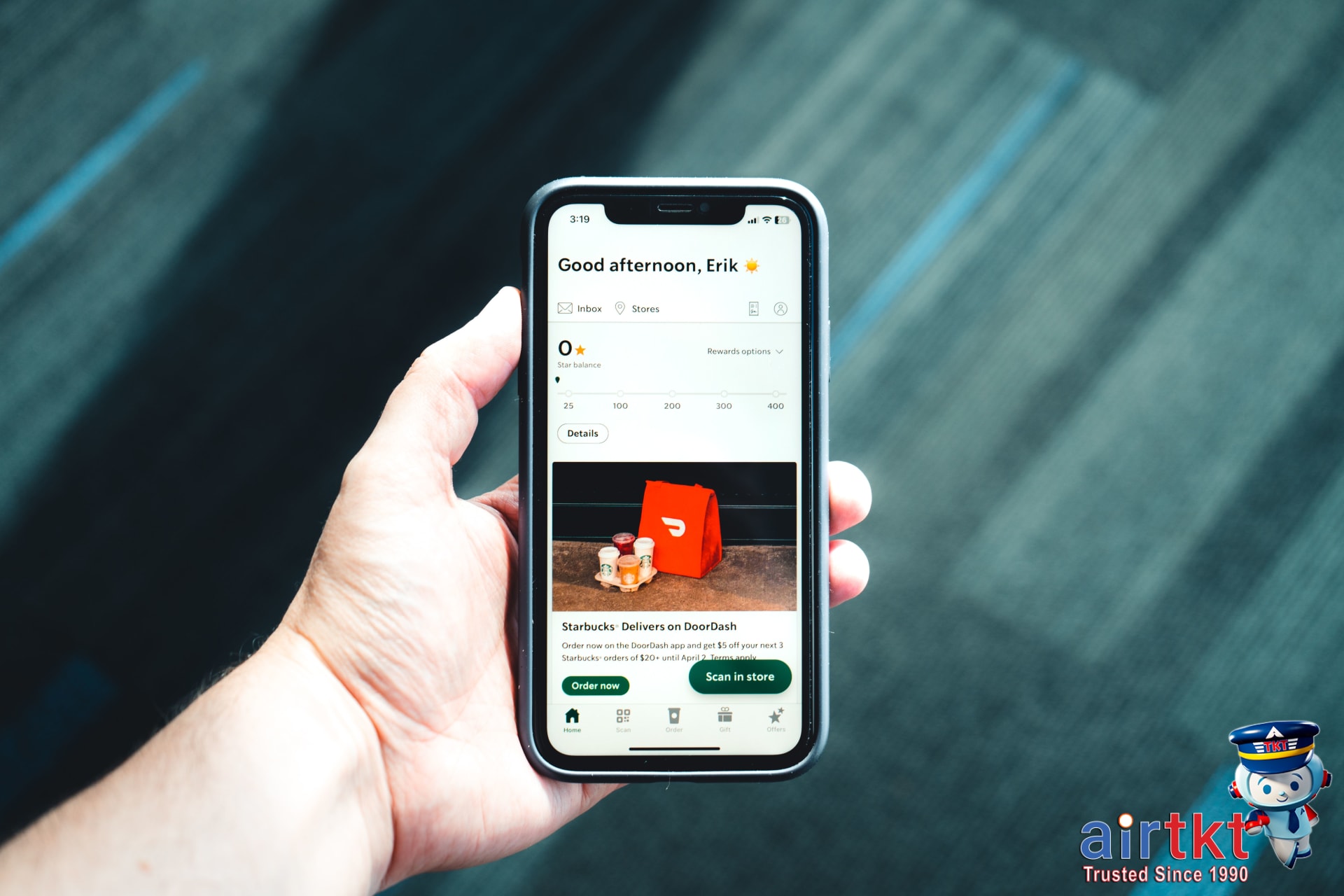
Translation apps have become essential for many travelers, but it’s smart to look closely at what you’re really paying for. Most translation apps offer free basic features, like real-time text translation or simple phrasebooks. However, I’ve noticed on recent trips that these free options often cut you off from useful extras, such as offline access, advanced voice recognition, or camera-based translations—features that really come in handy if you’re traveling to less-connected destinations or grappling with unfamiliar scripts.
When you’re weighing the upgrade, watch for two main pricing models: monthly or annual subscriptions and occasional one-time payments for lifetime access. Premium subscriptions typically unlock deeper features like unlimited conversation translation and downloadable language packs. A single lifetime purchase might make sense if you travel frequently or know you’ll use the app often, but I’d compare both options before choosing—you might only need the paid tier for a single trip.
Think about your travel style and destination language. If you’re headed somewhere with limited Wi-Fi, offline mode is almost essential, and that usually comes with a price tag. For short city breaks where you’ll always have internet, the free tier might be enough. I usually recommend checking exactly which features are available in your destination’s most common languages—some lesser-known languages are paywalled, even for text translations.
If you’re putting together your full travel budget, it helps to keep app costs in perspective. Translation apps rarely break the bank, but tossing them into your planning alongside transport or food can keep you on track. While I was setting up a tight budget for a recent trip to Japan, even a $6.00 app subscription made me rethink a couple of café visits—small costs do add up. And if you want more advice on how to keep your tech spending down, you’ll find more of my airtkt.com budget travel tips really useful as you compare options.
Typical Daily Travel Budget Table
| Accommodation | Food | Transport | Activities | |
|---|---|---|---|---|
| Budget | $30.00 | $15.00 | $8.00 | $12.00 |
| Mid-range | $70.00 | $30.00 | $20.00 | $25.00 |
| Luxury | $180.00 | $55.00 | $45.00 | $70.00 |
I find that budgeting for utilities like translation apps makes me less likely to go overboard elsewhere, so it’s worth being intentional about these little tech extras in your daily totals.
How To Choose Your Travel App
Deciding which travel app is right for you depends on your travel style and the features you need most. Some apps shine when it comes to live fare comparisons, others focus on streamlined itineraries, and a few offer unique support tools like airport finders or flexible date searches. In my experience, a typical leisure traveler who values both convenience and savings would do well to start with a platform that blends flight bookings, price alerts, and flexible routing—airtkt.com’s multi-tool approach is a solid pick.
Match App Features With Your Trip
If you’re traveling for business, look for apps that prioritize reservation management, itinerary sharing, and fast rebooking. For leisure trips, especially with family or friends, it helps to have robust search flexibility and tools for finding last-minute deals or alternative airports. For those heading to less connected destinations, offline access and local transit guides can be a true lifesaver—I’d compare both options before choosing.
Recap: What Matters Most
- Live price monitoring to catch lower fares quickly
- Comprehensive search tools for flights, hotels, and car rentals
- Personalization (saved traveler profiles, past bookings, tailored offers)
- Accessibility—either 24/7 customer support or clear offline features
Test Drive Before You Commit
There’s no harm in trying several apps for your next trip. Downloading a few free versions lets you compare their usability, support, and deal discovery without risk. It’s helpful to use a resource like our comprehensive travel apps roundup to narrow down your shortlist based on key features before you dive in.