
Public Wi-Fi Risks While Traveling

Travel today is more connected than ever. Whether you’re waiting for your flight, grabbing a coffee in a city square, or checking in from your hotel lobby, there’s always that urge to hop onto public Wi-Fi. But these conveniences come with a price: insecurity. In my own experience, just the sight of unsecured networks in airport lounges makes me think twice before logging in—especially after almost falling victim to a phishing attempt on the road.
When travelers use public Wi-Fi networks, they’re stepping into a digital minefield. Unprotected hotspots in airports, hotels, and cafés make it surprisingly simple for cybercriminals to intercept your information. Common threats include hackers snooping on your emails, capturing your passwords, or even accessing bank details without your knowledge. And unfortunately, you often can’t tell by appearance alone if a network is truly secure.
That’s why using a VPN isn’t just an optional extra—it’s rapidly becoming essential travel gear. VPNs create a virtual shield around your data, making it much harder for anyone on the same public network to access your sensitive information. If you’re curious about more ways to stay protected on the road, I usually recommend checking out the airtkt.com travel safety tips page for guidance and additional resources.
Why Use a VPN While Traveling
Protecting your personal data should always be a priority—especially when you’re hopping between airport lounges, cafés, and hotel Wi-Fi networks around the world. Using a VPN while traveling helps shield your devices from hackers and cybercriminals who target unsecured hotspots. When you activate a VPN, your information—logins, emails, financial data—gets encrypted, making it nearly impossible for prying eyes to intercept or steal your details.
But the benefits go beyond just security. Many countries and public networks limit access to certain sites or services, whether it’s your favorite streaming platform, social media, or essential tools for work. With a VPN, you can connect to the internet as if you were still back home, bypassing these restrictions smoothly and maintaining access to the content you rely on. I’ve found this crucial when needing to quickly check services that were suddenly blocked while overseas; a VPN made the process seamless and kept my information private.
Another practical advantage is increased peace of mind. I’ve started enabling VPN protection on my phone and tablet, not just my laptop, after realizing how much sensitive data I access on all devices when I travel—especially for online banking and trip planning. It’s an easy step that has noticeably reduced my stress about cyber risks abroad.
If you want a deeper dive into travel safety and gear tips, check out our latest travel technology guides and security advice on airtkt.com.
Common Dangers of Public Wi-Fi
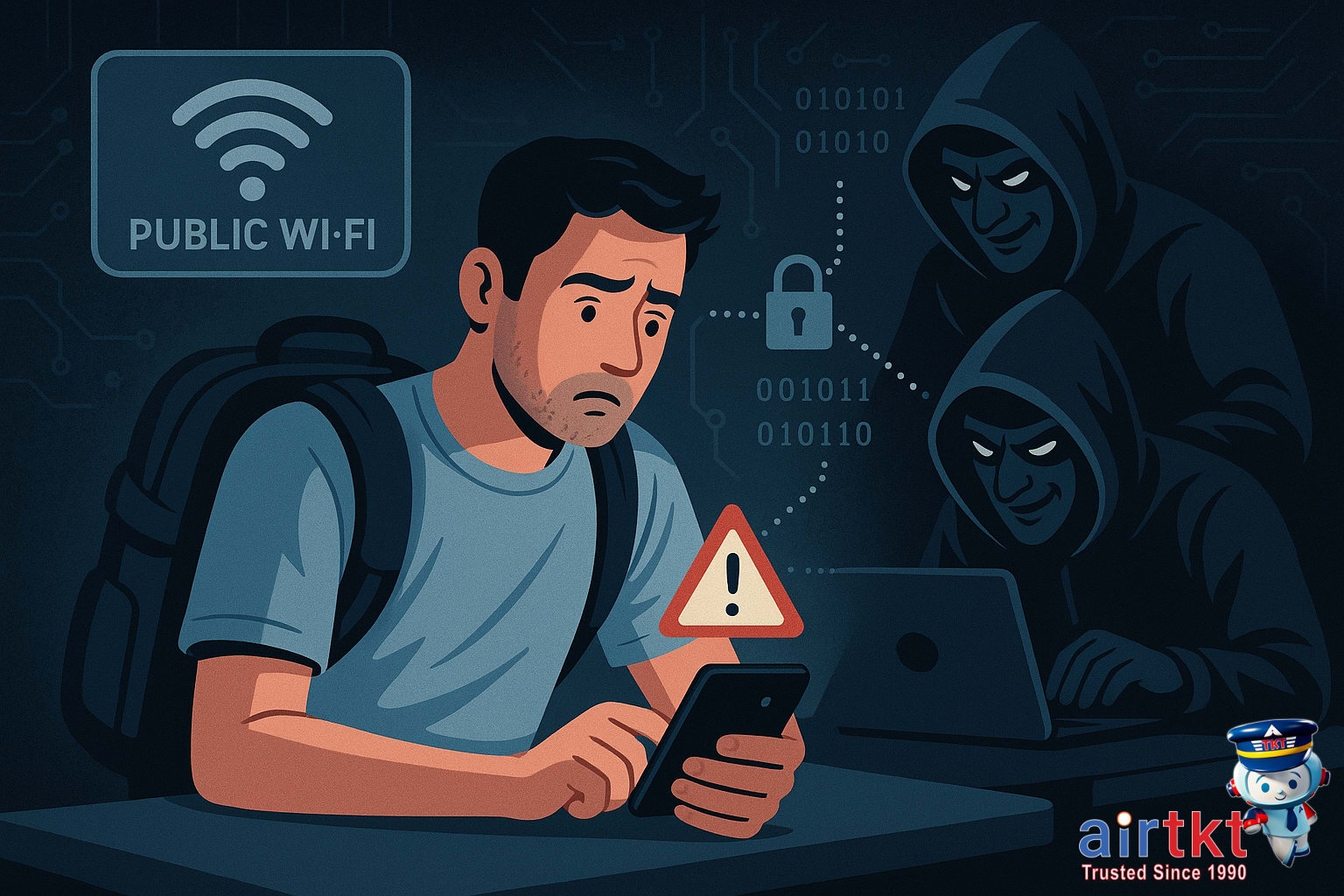
Public Wi-Fi feels like a travel lifesaver, but it comes with serious hazards every traveler should understand. The most common risk is data interception: anyone on the same open network can use simple tools to “listen in” on what you send and receive. Email logins, social media passwords, and even messages are suddenly vulnerable. There’s also the threat of fake hotspots. Hackers create Wi-Fi networks with names like “Free Airport WiFi,” hoping you’ll connect without a second thought. Once you’re on, they can monitor your activity or redirect you to phishing sites.
Another silent threat is snooping — people just sitting with their laptops in coffee shops or airports, capturing traffic from everyone nearby. Malware can also spread more easily over these networks, especially if you accidentally agree to suspicious prompts or unsecured file shares. In my experience, I’m extremely careful about airport Wi-Fi, since these high-traffic areas are hunting grounds for cyber snoops. I always double-check that my VPN is fully active before logging in to my email or checking travel reservations in lounge areas.
Why It’s Riskier Abroad
These dangers ramp up during international travel. Unfamiliar networks make it tougher to verify what’s legitimate, and privacy laws often differ widely from what you’re used to at home. Some countries have more aggressive surveillance or less regulation around public Wi-Fi, so there’s a higher chance that your information could be logged, monitored, or sold without your consent. When I’m in a new country, I’m even more cautious and stick to trusted networks or my own mobile hotspot whenever possible.
If you want to dig deeper into safe travel practices, check out the travel safety guidelines on airtkt.com for actionable tips before your next flight.
How a VPN Protects Your Data
For travelers and digital nomads, understanding how a VPN keeps your data secure is essential—especially when using public Wi-Fi in airports, hotels, or cafés. At the heart of a VPN’s protection is encryption. Encryption scrambles your personal data—like passwords and credit card numbers—so that even if someone intercepts your traffic, they can’t read it. A strong VPN will use advanced encryption protocols such as AES-256, making it extremely difficult for hackers to break in.
Another important layer is IP masking. By routing your internet traffic through secure VPN servers, your real location and IP address are hidden from websites, advertisers, and anyone snooping on the same network. This makes you less vulnerable to targeted attacks and keeps your browsing habits private. When I took the time to learn how VPN encryption works, I found it much easier to pick trustworthy security tools before my next big trip—knowledge here really did make all the difference in how I protect my digital life abroad.
Finally, VPNs create what’s called a secure tunnel. This means your online activities pass through a private, encrypted connection between your device and the internet. Even if you’re on an unsecured Wi-Fi network, your information remains shielded from prying eyes. If you want a deeper technical breakdown, you’ll find some useful guides on security in travel over at airtkt.com.
How To Choose A VPN For Travel
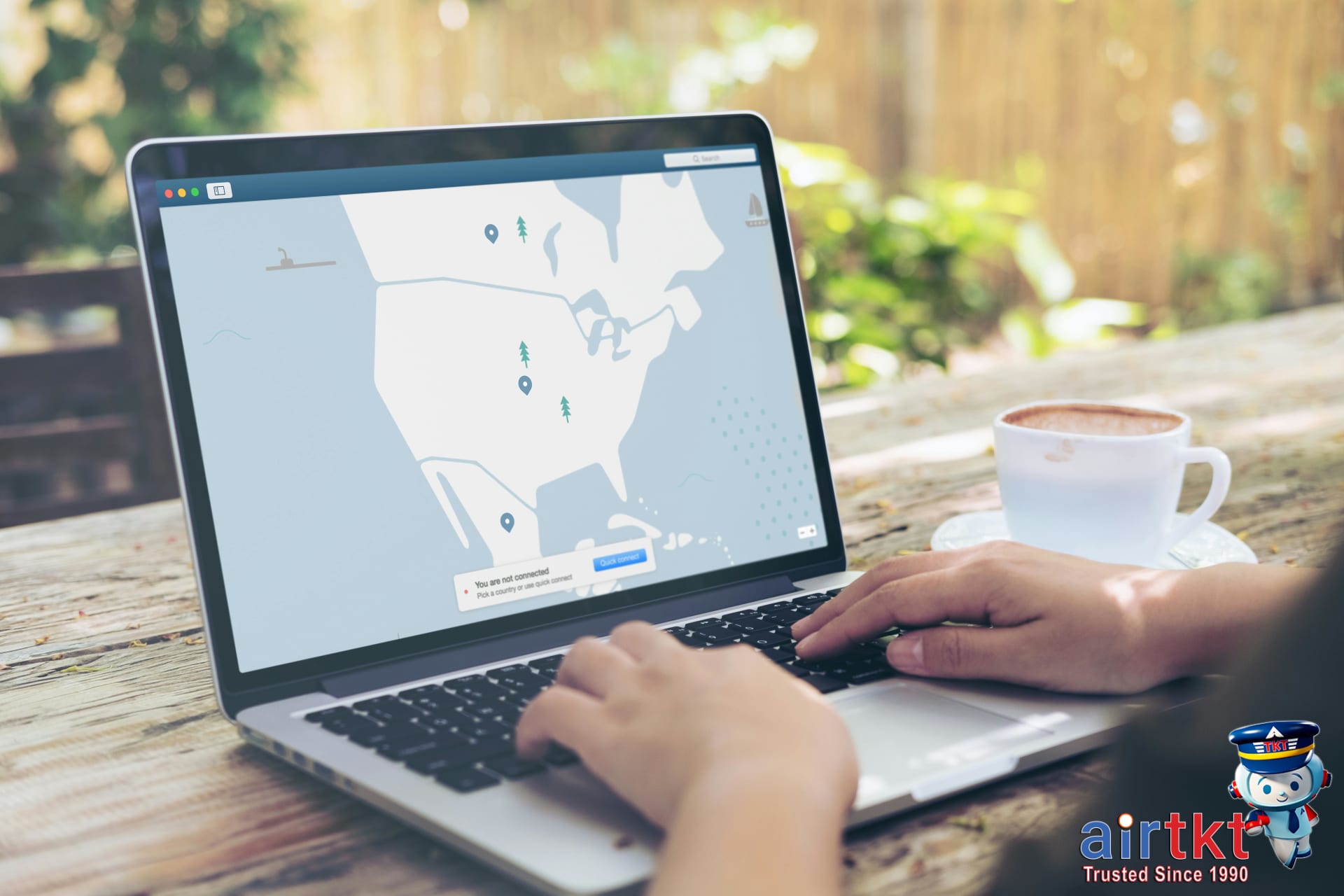
Choosing a VPN for your next international trip comes down to evaluating a few key features and putting each candidate through real-world tests. Start by looking for device compatibility—make sure the VPN works not only on your laptop, but also on your phone or tablet, since most travelers rely on both when abroad. For me, a VPN that seamlessly covers multiple devices is non-negotiable, especially if I need to check sensitive accounts while using public Wi-Fi in airports or cafés.
You’ll also want to check connection speed. Some VPNs slow your browsing to a crawl, which can be frustrating (and obvious) if you’re on work calls or trying to stream familiar television from overseas. During free trials, I like to use speed test websites or stream video to see how the VPN holds up. Server locations matter too—the more countries a VPN covers, the more likely you can find a reliable and fast connection wherever you’re traveling.
Don’t skip reading the privacy policy. Not all VPNs offer the same level of protection, so look for clear no-logs commitments and strong encryption details. A straightforward, user-friendly interface is equally important; nobody wants to fiddle with complicated settings after a long flight. If you’re leaning toward a particular VPN, check recent customer reviews or forums to get a sense of reliability and real-location experiences. I usually compare a couple of top-rated choices and spend a day testing their apps before making my final decision.
If you want to dive deeper into tech solutions that keep you safer on the road, you might like our post on essential travel security tools over at airtkt.com.
How To Set Up A VPN Abroad
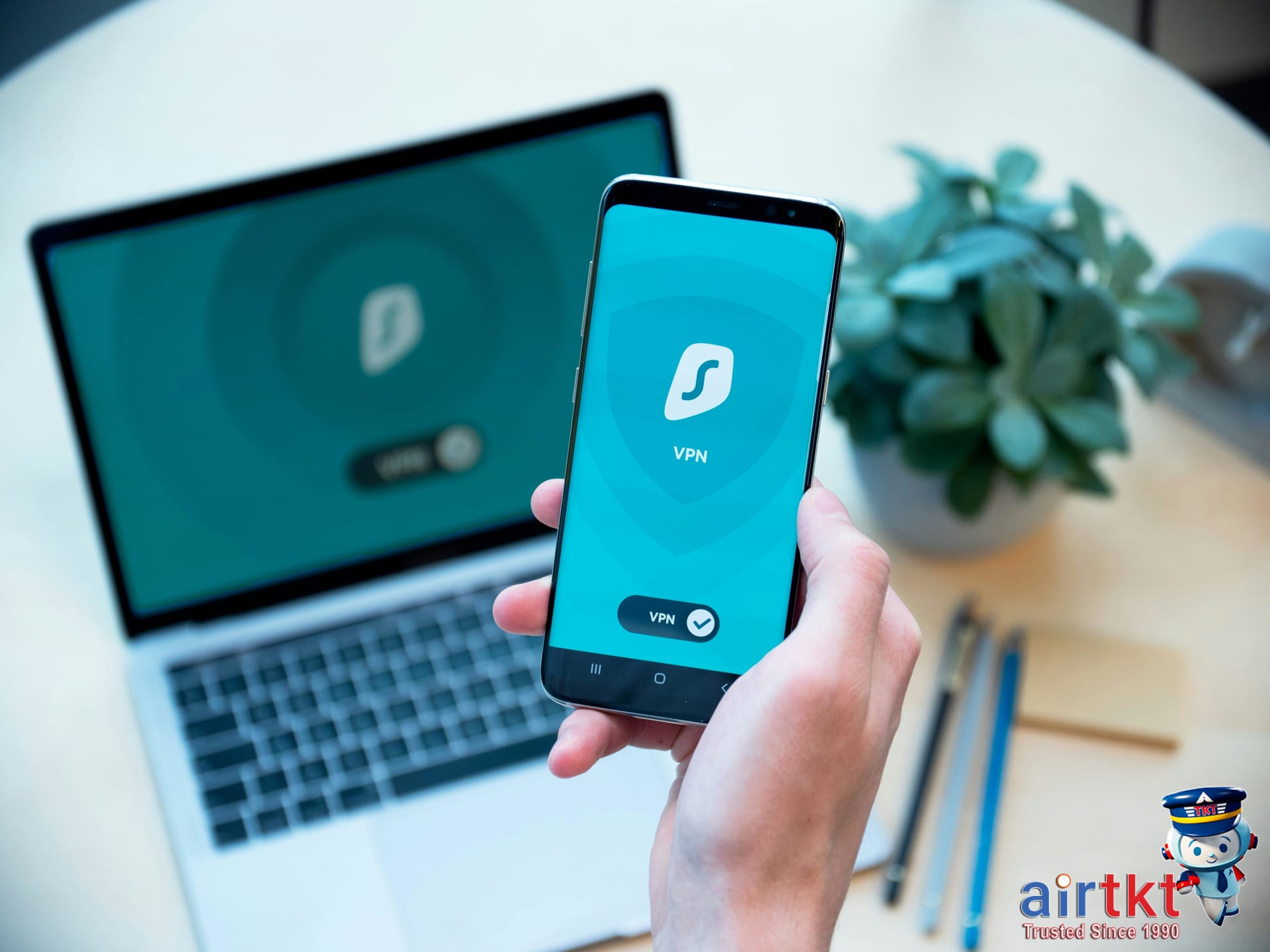
Getting your VPN up and running before or during your trip is an investment in digital peace of mind. Here’s a no-nonsense walkthrough for installing and configuring a VPN so you’ll stay protected wherever you connect.
Install VPN On Smartphones And Tablets
Begin in your device’s app store—search for the VPN service you chose, then tap install. After installation, open the app and sign in with your account. Most apps will quickly walk you through a basic setup. Give any necessary permissions (such as creating a VPN profile) so your device can route internet traffic through the VPN. This part usually takes just a few minutes; if you’re unsure about permissions, read the short prompts before proceeding.
Set Up VPN On Your Laptop
On laptops, download the installer directly from your VPN provider’s official site. Run the installer, follow the basic setup, and log in. Some services offer browser extensions, but I’d stick with the full app for better protection, especially on public Wi-Fi. Once set up, look for an on-screen toggle or button—clicking this connects you to the VPN server of your choice.
Enable Auto-Connect For Effortless Security
This is where a lot of travelers miss out. Nearly every VPN app lets you enable auto-connect, which means your device automatically starts the VPN when you turn on Wi-Fi or enter untrusted networks. I’ve made auto-connect standard in my travel routine; it’s much easier than remembering to toggle it manually every time I log on abroad. Check your VPN’s settings menu—there’s usually an option called “auto-connect,” “always-on,” or “connect on untrusted networks.” Turn this on before you need it. For more travel technology and mobile security guidance, I’d recommend browsing airtkt.com’s helpful guides.
Tips For Using A VPN Effectively
Making the most of your VPN while traveling is really about knowing when to switch it on and how to keep your connection smooth and secure. I always recommend activating your VPN before you join Wi-Fi at busy spots like airports, hotels, or coffee shops—basically anywhere open networks might leave your data exposed. Don’t wait until you’re already logged in; connect the VPN first, then join the Wi-Fi. This habit goes a long way toward protecting your information from prying eyes.
Of course, VPN connections don’t always run glitch-free. It’s a good idea to check your VPN’s status regularly—sometimes the app will disconnect without warning, especially if you’re hopping between networks or traveling across countries. If you notice web pages suddenly refusing to load, or can’t access region-specific content you expect, that’s your cue to look at your VPN. A quick reconnect usually solves it, but if the trouble persists, try switching servers within your VPN app or restarting your device. And if you rely on sensitive accounts, I’d also use two-factor authentication (2FA) alongside your VPN for an extra layer of security, since VPNs help hide your location but 2FA keeps your accounts protected even if someone gets your login details.
Personally, I’ve found that keeping a VPN active in transit takes a bit of getting used to—sometimes you’ll notice a slight drop in internet speed, but in my experience, it’s a fair trade for peace of mind. It’s less about staying “fully locked down” at every moment and more about building good habits where they matter most, like when handling finances or sharing personal details over unfamiliar networks.
If you want more practical digital safety tips for travel, I suggest checking out some of the security articles on airtkt.com—it’s helpful to have a checklist before a big trip.
How VPNs Help Overcome Geo-Blocks
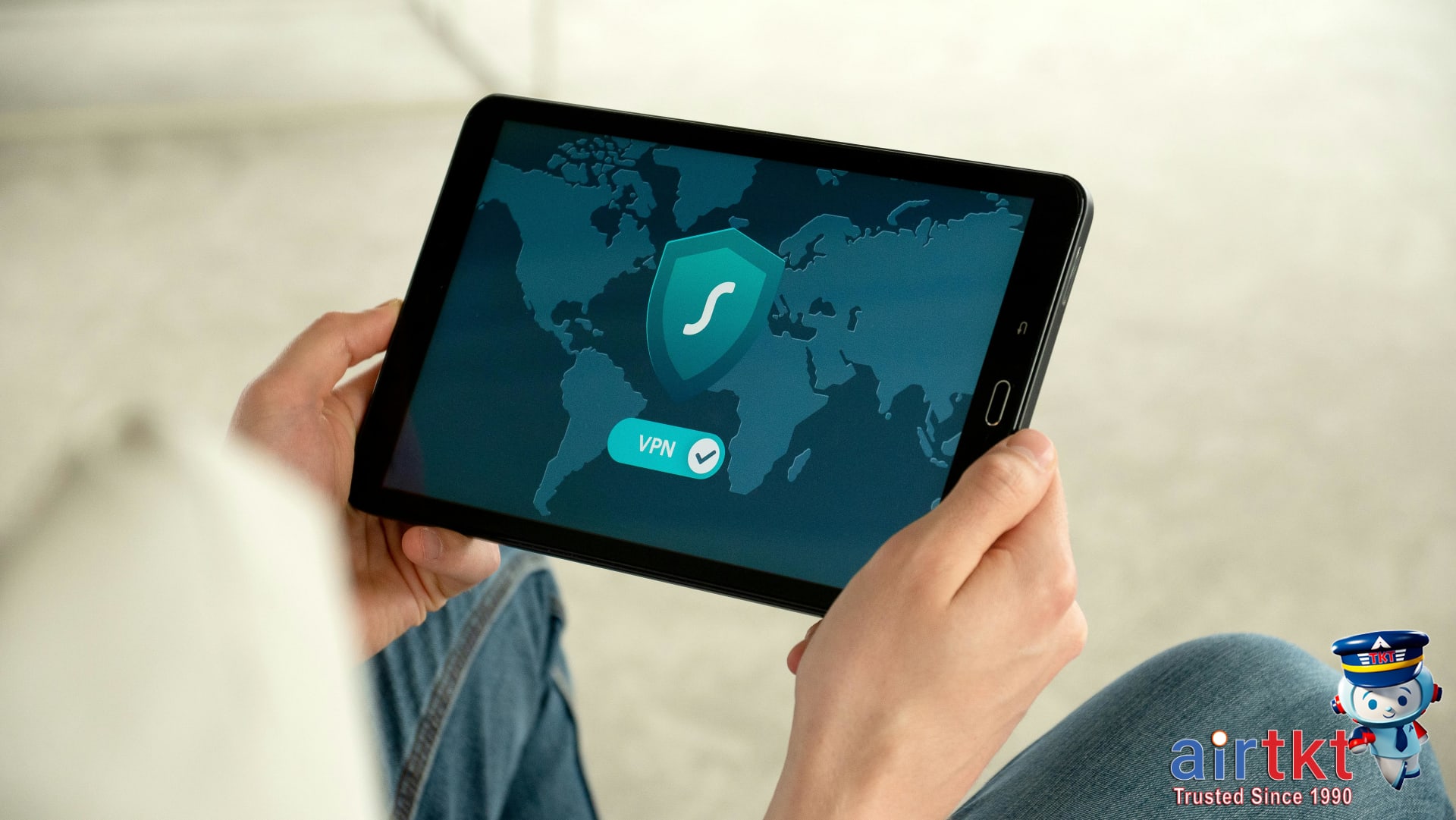
Travelers quickly discover that the streaming content or websites they rely on at home can suddenly become inaccessible abroad. Whether you’re hoping to keep up with U.S.-only streaming services, catch your local sports broadcasts, or simply access a familiar banking website, regional restrictions and censorship can be a real headache. In some destinations, even social media or messaging apps might be blocked.
This is where Virtual Private Networks (VPNs) come in. By letting you connect to internet servers in your home country, VPNs can make it appear as though you’re browsing from that location—making blocked content accessible again. In my case, I never miss my favorite shows thanks to VPN servers located near my hometown. Connecting to a VPN with a server near your home country often means noticeably better speeds, so you can stream or browse without constant buffering or security worries.
Not all VPNs are equal, though. I usually recommend checking provider server locations before you subscribe. The more server options close to your home region, the better your chances of a smooth experience if you’re abroad for work, vacation, or long-term stays. This is especially handy if you rely on streaming and entertainment to unwind, or if you need to access travel technology resources or tips while on the road—something you can learn more about in airtkt.com‘s articles on entertainment and travel technology.
Why VPNs Matter For Travel Safety
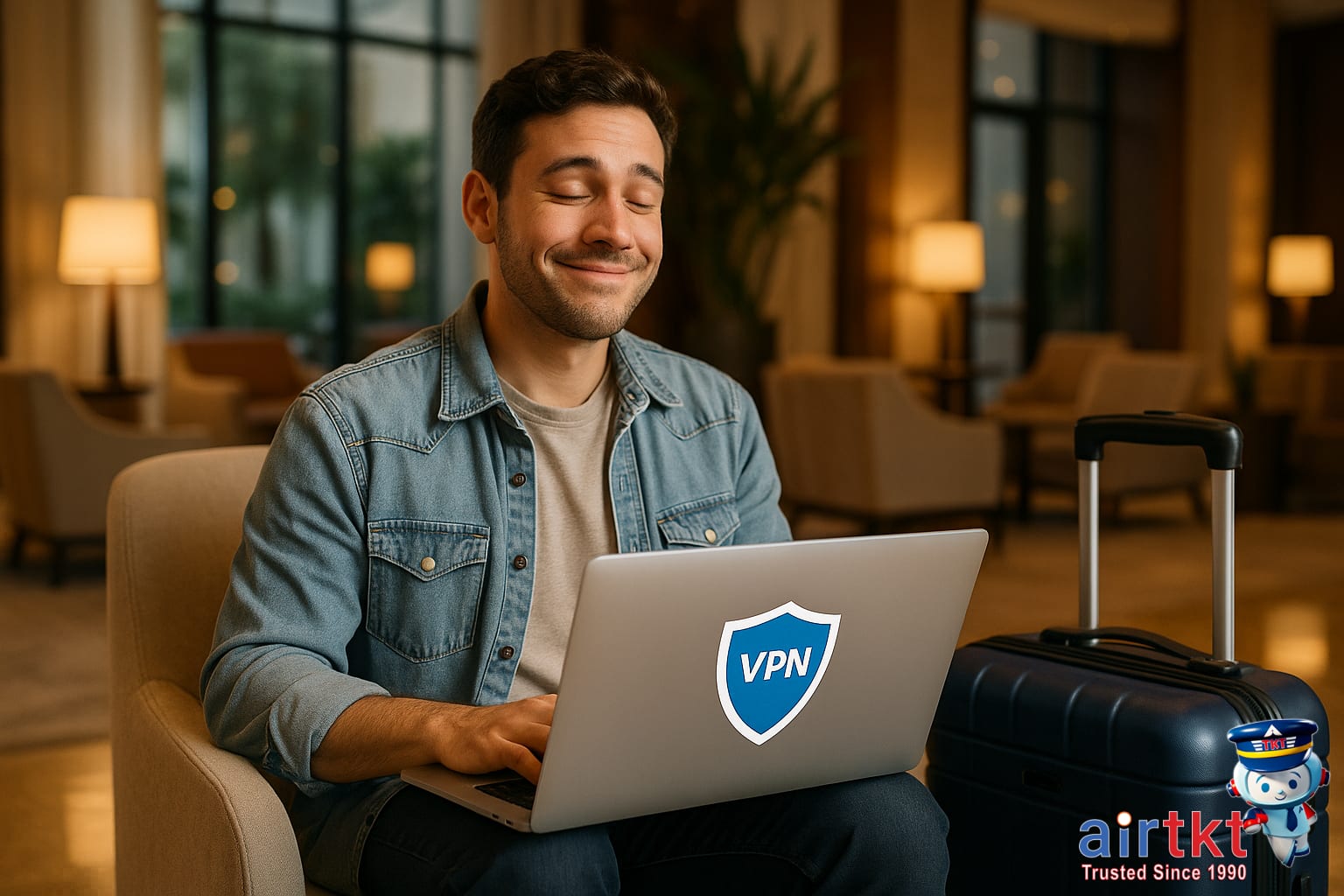
Using a VPN while you travel is one of the simplest steps you can take to shield your personal data and stop snoops from tracking your browsing on public Wi-Fi. Whether you’re booking hotels, checking your bank account, or just catching up on email at an airport, a VPN works quietly in the background—encrypting your information and helping you avoid identity theft and privacy invasion. I can’t tell you how many times I’ve felt relief connecting to hotel Wi-Fi knowing my VPN was active, especially in unfamiliar cities where public networks are more vulnerable to attacks.
This extra layer of security lets you handle travel plans—like accessing flight details or navigating using maps—without second-guessing who might be watching. As travel gets more digital, I really do think using a VPN should become as routine as locking your door or keeping an eye on your passport. Prioritizing these digital safety habits goes a long way to ensuring your personal data stays yours, no matter where your travels take you.
If you want to dig deeper into travel safety and technology strategies, you’ll find more practical advice in the general travel safety and tech security resources on airtkt.com. These guides can help you build a security toolkit before your next trip.
VPN Subscription Budget Breakdown Table
Travelers rely on VPNs to protect their data and safely access content on the road, but costs and features can really vary. Here’s a simple budget table to help you compare common VPN tiers—so you never overpay for extras you don’t need, or settle for less protection just to save a few bucks.
| Budget | Mid-range | Luxury | |
|---|---|---|---|
| Subscription Cost (Annual) | about $35.00 | about $70.00 | about $120.00 |
| Features | Basic encryption, 1–2 devices, few server locations | Strong encryption, 5–10 devices, global servers, ad blocking | Advanced encryption, unlimited devices, specialty servers, premium add-ons |
| Speed | Slower, limited bandwidth | Consistently fast, streaming-ready | Top-tier speed, optimized streaming/gaming |
| Customer Support | Email only, slow replies | 24/7 chat, quick resolution | Priority support, setup assistance |
Free vs Paid VPN Risks
Free VPNs might sound tempting when budgeting for a trip, but they often come at a hidden cost—like weak data encryption, slow speeds, or even questionable privacy practices. In my experience, paying for a reputable VPN gives me peace of mind and saves time hunting for a reliable connection. I usually choose a mid-range plan; it covers several devices and travels with me anywhere, without limiting performance or leaving my data exposed.
Another smart budgeting trick is going for an annual plan instead of paying monthly. The upfront cost is higher, but the per-month cost drops significantly—letting you direct those savings to actual trip expenses. If you’d like more ideas for stretching your travel tech budget, check out airtkt.com’s tech cost-saving tips under budget travel resources.
FAQs About VPNs for Travel
- What is a VPN, and why do travelers need one?
A VPN, or Virtual Private Network, encrypts your internet activity and routes it through a secure server. For travelers, this means you can safely use public Wi-Fi, access sites as if you’re at home, and protect personal data from hackers. It’s extra helpful when banking or shopping online abroad.
- Is it legal to use a VPN for travel in other countries?
VPN use is legal in most countries, but some places restrict or ban them altogether. Always check local laws before you connect with a VPN in a new destination. I usually make this a planning step—researching basic local rules can help you avoid unexpected problems at your hotel or airport.
- Can a VPN for travel protect my online banking?
Using a VPN for travel adds an extra layer of security when accessing your banking accounts online, especially over hotel or airport Wi-Fi. It won’t replace strong passwords or account security, but it helps keep your data encrypted and out of sight from anyone sharing the network.
- How do I choose the best VPN for travel?
Look for a VPN that offers strong encryption, easy mobile apps, and plenty of server locations worldwide. Many travelers choose services with a no-logs policy and responsive customer support. I’ve found user-friendly apps help when you’re juggling hotel check-ins and quick airport layovers on the go.
- Do VPNs slow down your internet connection?
VPNs can reduce your internet speed because your data travels further and is encrypted. The impact depends on your provider and where you’re connecting. For example, streaming in HD may buffer more often with a VPN, but basic browsing and email usually work smoothly for most destinations.
- Are free VPN services good for travel?
Free VPNs have limits on speed, data, and server locations. They sometimes show ads or lack stronger security features found in paid options. If you just need occasional browsing protection, a reputable free VPN may work, but I’d compare carefully for any sensitive activities like online banking or booking tickets.
- Where can I find more travel safety tips about VPNs?
Many travel websites offer guidance on tech and personal safety. I’ve cleared up lots of confusion by reading FAQs just like these—sometimes a single answer helped me update my packing list. Check out the travel safety Q&A pages at airtkt.com for more expert advice.
Make VPN Use a Travel Habit
As you wrap up your travel plans, it’s worth circling back to one security essential: your VPN. Throughout this guide, we’ve covered how a VPN protects your data when you’re on public Wi-Fi—whether you’re checking your bank account at the airport, logging into email in a café, or catching up on work from your hotel. Using a VPN shields sensitive information from prying eyes and helps you keep personal details private, especially in countries with unsecured or heavily monitored networks.
Turning VPN use into a travel routine isn’t just smart—it simplifies your whole experience abroad. I’ve found that it’s now one of the first things I set up before heading anywhere; it gives me reliable peace of mind, so I can focus on exploring instead of worrying about my online safety. Eventually, using a VPN will feel as natural as scanning your passport or checking your flight times—just another step in staying organized and secure on the road.
If you’re building your next trip checklist, treating VPN setup as non-negotiable is a habit you won’t regret. For more ways to get ready, don’t miss the travel planning and safety checklists from airtkt.com; they’re packed with practical steps for staying safe and prepared.