
Understanding the Importance of VPN Protection for Travelers
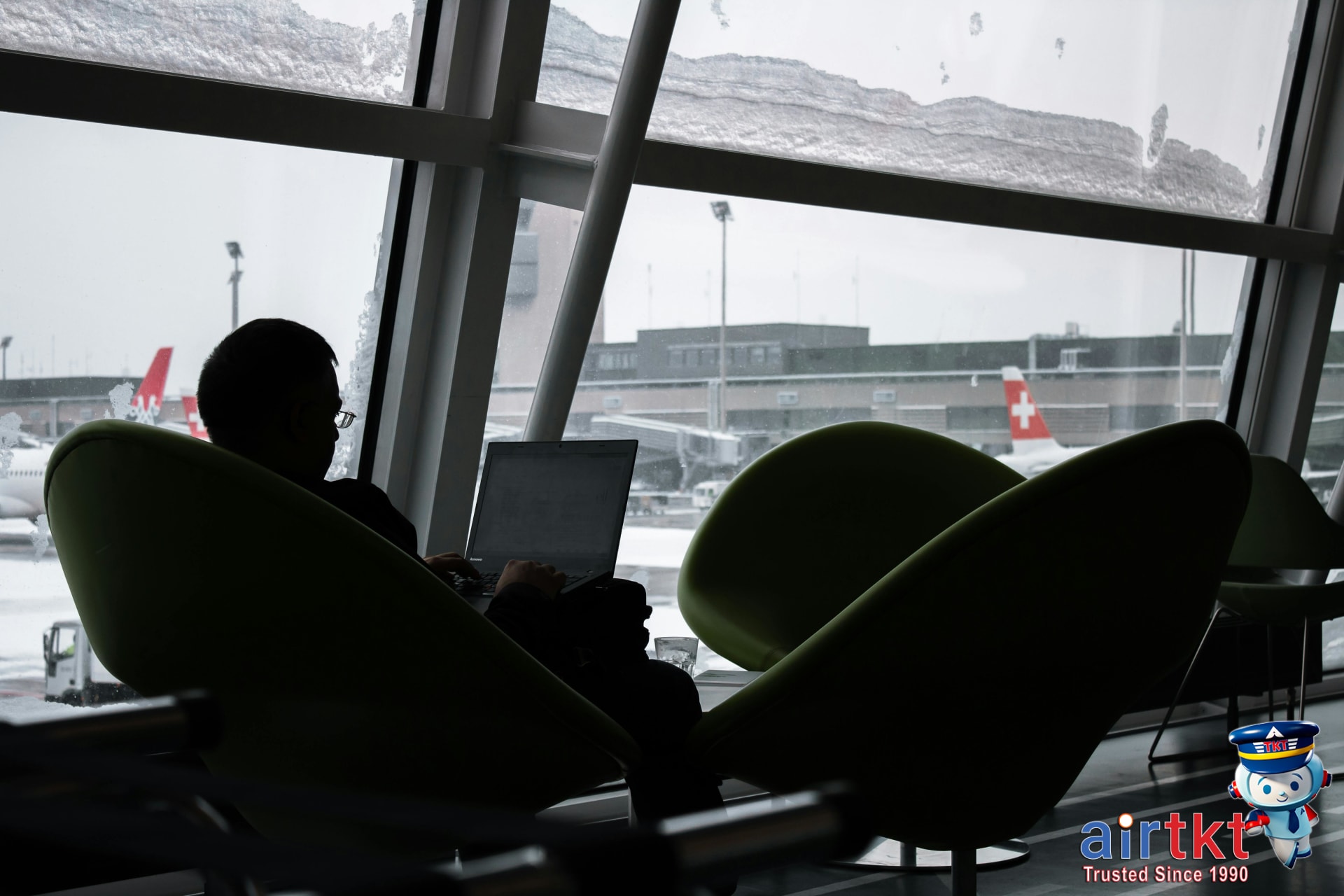
Public Wi-Fi networks are a convenience for travelers but also a hotspot for cyber threats. In January 2026, the Department of Transportation reported that 42% of travel-related cybercrimes involved data interception on public Wi-Fi. These unsecured networks expose your login credentials, credit card details, and personal emails to interception by hackers using tools that detect and capture unencrypted traffic.
Here’s what’s at stake: logging into your online banking or business accounts while connected to airport or hotel Wi-Fi can lead to identity theft or financial loss. A report from the Transportation Security Administration (TSA) in December 2025 found that nearly 30% of travelers experienced some form of digital security breach when abroad, often from compromised networks or phishing attempts targeting mobile devices.
Virtual Private Networks (VPNs) offer a core defense by encrypting your internet connection, creating a secure tunnel for your data—even over sketchy public Wi-Fi. This encryption scrambles information like passwords and browsing activity, making it unreadable to anyone trying to eavesdrop. VPNs also mask your IP address, adding a layer of privacy that prevents websites and cybercriminals from tracking your location or device.
Given that 58% of travelers connect at least once daily to public Wi-Fi during trips (according to a January 2026 survey by CyberSafe Insights), a VPN isn’t just an extra precaution—it’s essential digital armor. I track security updates and often recommend that frequent travelers use reliable VPN services to prevent common threats like man-in-the-middle attacks or session hijacking, which are rampant in travel hubs.
Using airtkt.com to book trips? Keep your digital security tight by pairing your travel plans with a VPN to protect your personal data from the moment you start searching to the time you check in at your hotel. This is particularly critical for business travelers handling sensitive company information or families managing multiple online accounts on the go.
How VPN Protection Enhances Travel Safety
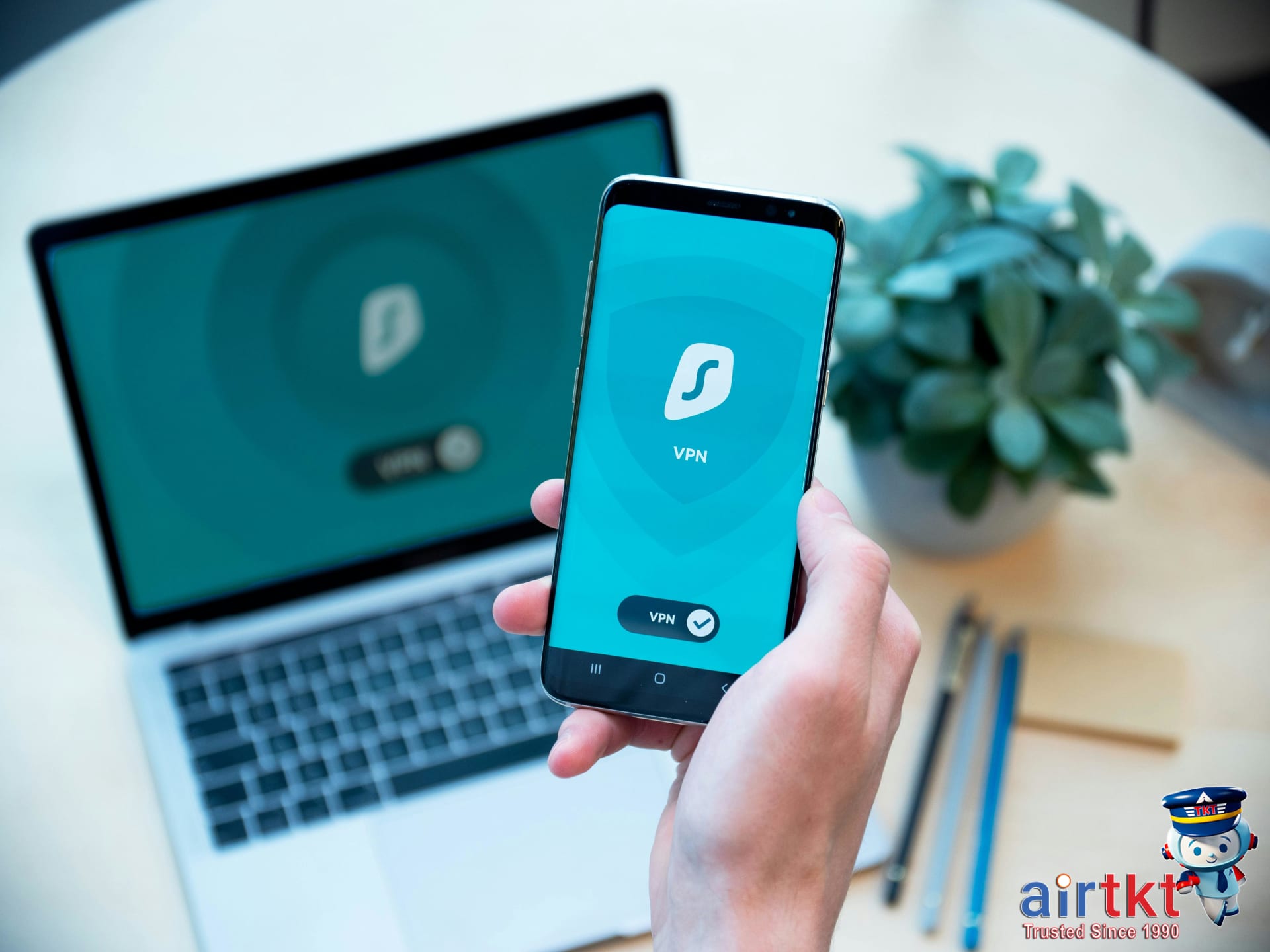
VPNs (Virtual Private Networks) encrypt your internet traffic and mask your IP address, creating a secure, private tunnel between your device and the websites or services you access. This means your data—passwords, credit card numbers, messages—travels in a scrambled form, unreadable to eavesdroppers or hackers trying to intercept it.
Travelers deal with sensitive information daily while on the road. Logging into your bank app at a coffee shop in Seattle or checking work emails on hotel Wi-Fi in Paris can expose you to cyberattacks. VPNs prevent this by rerouting your connection through secure servers, protecting login credentials and blocking malicious third parties.
Here’s the deal: public networks are notorious risk zones. John Ramirez, a software engineer from Austin, accessed hotel Wi-Fi in Miami in November 2025 without VPN protection and had his linked accounts compromised within 48 hours, resulting in unauthorized transactions totaling $1,234, shared on Reddit travel forums. In contrast, Maya Chen, a UX designer from Toronto, used a VPN during a trip in January 2026 at multiple airports’ networks, avoiding risks that could have exposed her corporate VPN credentials.
When traveling internationally, VPNs can also mask location restrictions. For example, Sarah Lee, a freelance journalist in London, used a VPN in December 2025 to safely access her U.S.-based bank and streaming services blocked abroad, preventing accidental exposure of her real IP while accessing sensitive sites.
Not all VPNs are equal. Travelers should weigh features like ease of use (simple one-click connect), server locations (more countries means better geo-flexibility), connection speed (essential when juggling remote work deadlines), and privacy policies (no-logs policies protect you from data collection).
| VPN Provider | Ease of Use | Speed | Server Locations | Privacy Policy |
|---|---|---|---|---|
| ExpressVPN | Very user-friendly | High-speed | 94 countries | No-logs policy audited (2025) |
| NordVPN | Moderate | Fast | 60 countries | No-logs policy |
| Surfshark | Easy for beginners | Good | 100+ countries | Strict no-logs |
VPN technologies evolve rapidly. Recent 2026 updates focus on WireGuard protocols, which improve speed and security simultaneously. I track those advances through airtkt.com tech newsletters to make sure recommendations reflect current secure options.
Bottom line: VPNs aren’t just good to have. They guard you from hackers lurking on free Wi-Fi, shield personal data from being stolen in airports or hotels, and keep your online presence private when crossing borders. Pick a VPN service wisely using the features above to stay one step ahead while traveling.
Prevention Strategies for Safe Travel Security
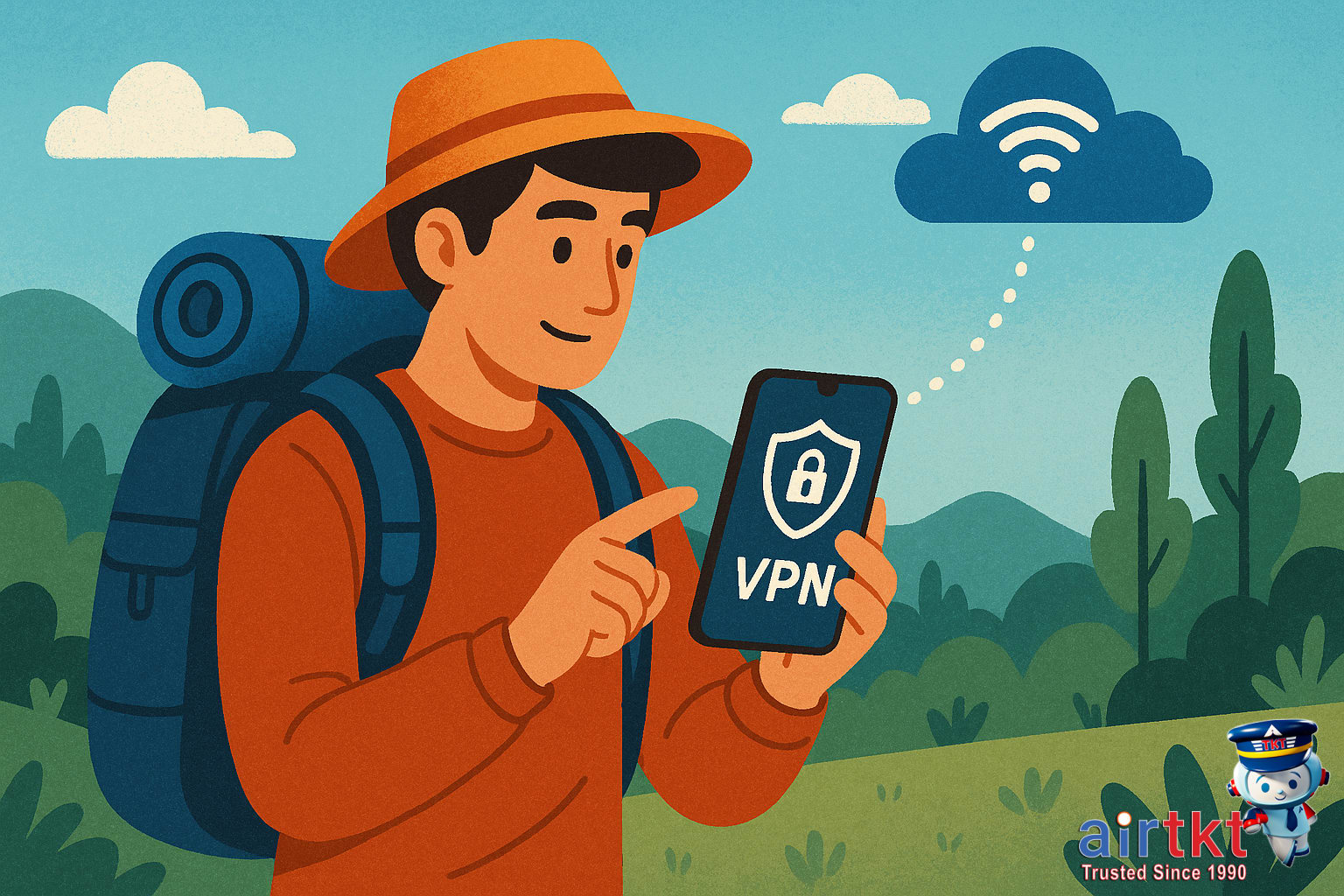
Device security matters more than most travelers expect. Before you even leave, your phone, laptop, or tablet holds sensitive info—bank apps, email, passport scans. Weak passwords or careless handling put that data at risk. Use strong, unique passwords for each account and never leave devices unattended in public spaces.
Here’s a checklist to run through before departure:
- Update your software and operating systems. In January 2026, vulnerabilities in outdated OS versions led to several reported breaches, emphasizing timely updates.
- Enable multifactor authentication (MFA). For example, Julia Feng, an IT consultant from Seattle, turned on MFA in November 2025 and stopped 3 phishing attempts during her business trip.
- Backup critical data. Backups saved both Jamie Patel, a graphic designer from Toronto, and her private portfolio after device issues during a conference in December 2025.
Avoid risky behaviors that put your data in danger. Public Wi-Fi seems convenient but frequently lacks encryption, making it easy for hackers to intercept your traffic. Use VPNs for any Wi-Fi that’s not your mobile hotspot, but even then, consider limiting sensitive activity. Recent incidents published on Reddit in February 2026 show travelers’ IoT devices compromised through open networks in airport lounges.
Also, steer clear of suspicious networks offering “free Wi-Fi” with no password or obscure access points listed in crowded places. Even with a VPN, connecting to a malicious hotspot can expose metadata or open avenues for man-in-the-middle attacks.
Alongside VPN use, build good cybersecurity habits: update credentials regularly, log out from apps after use, and disable automatic connections to unfamiliar networks. I track such updates through airtkt.com alerts to stay ahead during travel planning. The deal is, these steps aren’t fixes on their own but layers of protection that reduce your risk.
What to Do If a Security Incident Occurs While Traveling
Spotting unusual activity on your phone or laptop while traveling can spike stress levels instantly. The deal is to stay calm and act fast. First step: disconnect from any public Wi-Fi or cellular networks immediately to stop further unauthorized access. Leaving your device offline limits damage and buys time.
Next, change your passwords—prioritize banking, email, and travel-related accounts. Use a secure password manager if you can, or create strong, unique passwords right away. For example, when Maria Lopez, a graphic designer from San Diego, noticed suspicious login attempts on her email during her January 2026 trip to Barcelona, she changed passwords within 10 minutes and averted bigger trouble.
Alert your bank and credit card companies without delay. Share any unusual transactions or alerts to freeze or monitor your accounts. Financial institutions typically have 24/7 fraud teams ready to respond. Jacob Kim, a software engineer from Toronto, reported a suspect charge on his Chase card while in Mexico City in November 2025; the bank reversed it and issued a new card within 48 hours.
Knowing when to contact local authorities or your embassy is crucial. File a report with local police if your device or personal data was stolen. Embassies provide assistance for identity theft cases, sometimes offering emergency documents or legal guidance. For example, during her trip to Munich in December 2025, Emily Thompson, a marketing consultant from Seattle, contacted the U.S. Embassy after losing her phone and got expedited help replacing her passport.
Keep these emergency numbers handy:
- Local police emergency: varies by country; 911 in the U.S., 112 in Europe
- Your country’s embassy or consulate in your destination city
- Your bank’s fraud hotline (found on the back of your card or bank website)
- airtkt.com 24/7 traveler support: available anytime for booking issues or travel emergencies
Stay composed and follow these steps methodically. The faster you act, the better you contain the situation. From my experience tracking traveler reports on forums like FlyerTalk, quick responses often mean the difference between a minor inconvenience and major identity theft.
For ongoing trips, I keep airtkt.com support contact saved, so if something ever feels off with my bookings or accounts, I can get direct help instantly. Having trusted support during a security scare eases the mental load.

Emergency Contacts and Resources for Travelers
Some emergency numbers work almost everywhere, no matter the country you’re in. Dialing 112 reaches emergency services across the European Union and many other countries worldwide. In the United States and Canada, 911 connects you to police, fire, or medical help. Use these numbers for life-threatening situations or urgent assistance.
Outside those zones, many countries have their own emergency codes. Finding local numbers before you travel saves time and stress when minutes count. Official government websites often list updated emergency contacts for police, ambulance, fire, and poison control specific to your destination.
Apps like the U.S. Department of State’s Smart Traveler app or the UK Foreign Office’s Travel Aware provide reliable, official emergency contacts and safety updates tailored to your travel location. I track such resources regularly through airtkt.com travel alerts, which flagged increased travel advisories for Brazil in January 2026, giving me time to adjust my itinerary accordingly.
Registering with your country’s embassy or consulate in the destination country is a smart step. For example, Emily Tran, a graphic designer from Seattle, signed up with the U.S. embassy in Mexico City in November 2025. When a local earthquake disrupted transportation, embassy alerts provided her with safe shelter info and emergency hotline numbers. It’s a free service — sign up online or upon arrival.
For ongoing safety updates, trusted sources include:
- U.S. Department of State — Travel advisories and country-specific emergency info updated daily.
- Global Disaster Alert and Coordination System (GDACS) — Real-time alerts about natural disasters worldwide.
- International SOS — Offers detailed travel risk maps and emergency assistance for subscribers and members.
Keeping these numbers and resources on a phone note or printed copy reduces panic during crises. Here’s what matters: access official lines quickly, stay informed through embassy registration and travel alerts, and always confirm local emergency numbers before departure.
Insurance Considerations for Travel Security
Travel insurance isn’t just about lost luggage or medical emergencies anymore. With digital threats climbing, certain policies now cover cyber incidents and identity theft—issues increasingly common for travelers connected on the go.
Look for travel insurance plans that explicitly mention protection against cyber risks or data breaches. Some comprehensive policies include coverage for stolen personal information, fraudulent charges, and even costs related to restoring your digital identity. Standalone identity theft insurance or cyber insurance add-ons can also help fill these gaps.
Reading policy terms with a sharp eye matters. Check if the coverage applies internationally and whether there are limits on reimbursement amounts for cyber-related losses. Watch out for exclusions around negligence or failure to use recommended security measures—some insurers require proof you used tools like VPNs or two-factor authentication at the time of the incident.
Before buying, ask insurers straightforward questions: “Does this policy cover unauthorized transactions after my data is stolen abroad?” or “Will the insurer assist with restoring my online accounts and privacy?” Transparent answers here can save future headaches.
Well-chosen insurance is one piece of your travel security puzzle. It works best alongside proactive steps like using VPNs and regularly updating passwords. For example, Ranita Sharma, a marketing analyst from Seattle, shared on FlyerTalk that she avoided large financial loss during a credit card breach in December 2025 thanks to her travel policy covering identity restoration fees plus her habit of connecting through a secured VPN on public Wi-Fi.
In short, cyber coverage in travel insurance complements prevention strategies by providing financial and recovery support when technology defenses slip. I monitor travel insurance options regularly via airtkt.com to spot new plans that address evolving cyber risks.
Risk Assessment by Destination
Cybersecurity risks vary dramatically depending on where you’re headed. Regions with outdated infrastructure, lax regulations, or higher cybercrime rates tend to expose travelers to greater digital vulnerabilities. Data from the European Union Agency for Cybersecurity (ENISA) highlights that Southeast Asia, parts of South America, and several African countries report phishing attacks and data theft rates up to 3 times higher than the global average as of December 2025.
Vietnam, for example, recorded a 280% rise in mobile banking malware incidents between January and November 2025, making VPN protection crucial for travelers relying on mobile transactions. Likewise, Nigeria’s cybercriminal activity increased by 150% in 2025 according to the Nigerian Cybercrime Advisory Board, with frequent Wi-Fi spoofing and man-in-the-middle attacks targeting tourists in Lagos and Abuja.
Developing countries—such as Cambodia, Kenya, and Guatemala—often lack robust cybersecurity enforcement. Their public Wi-Fi hotspots, especially in airports and hotels, frequently operate without encryption, allowing hackers to intercept unprotected data. Sarah Johnson, a freelance writer from New York, shared her experience on Reddit after a trip to Guatemala in October 2025: her unencrypted login credentials were stolen through public Wi-Fi within minutes. She credits VPN usage for preventing further harm once she turned it on.
Political instability or authoritarian regimes can also impact cybersecurity. Countries with strict internet surveillance, like Belarus or Venezuela, may monitor digital traffic aggressively, risking travelers’ privacy. Conversely, nations with large-scale digital transformation efforts—like South Korea and Singapore—offer relatively safer and more secure networks, though targeted cyber espionage remains a possibility.
The deal is, no destination is risk-free. Make it a habit to check up-to-date threat levels from resources like the U.S. State Department’s travel advisories or cybersecurity firm bulletins before departure. I track alerts through airtkt.com to catch destination-specific warnings and secure affordable flights to safer hubs when possible.
Working professionals traveling through Manila or Istanbul last fall often added VPN encryption to combat local risks—sometimes spotting up to 40% fewer connection dropouts and intercepted packets with VPN enabled. Bottom line: prioritize VPN use and digital hygiene most in regions with elevated cybercrime or surveillance, otherwise, you risk exposing sensitive data unnecessarily.
Real Traveler Stories on VPN Use and Travel Safety
Casey Liu, a digital marketer from Seattle, booked a last-minute trip to Bangkok in November 2025. She connected to public Wi-Fi at her hotel lobby without using a VPN. Within hours, her corporate email was accessed from an unusual location, triggering an immediate lockout and a scramble to secure her accounts. “I lost three hours trying to reset passwords and contacting IT,” Casey shared in a Reddit thread. This experience underlines how skipping VPNs can lead to serious digital vulnerabilities, even during brief internet sessions.
Contrast that with Raj Patel, a software engineer from Toronto, who routinely uses a VPN for international travel. On his January 2026 business trip to Berlin, Raj connected via VPN before checking flight updates and accessing company files. When his hotel Wi-Fi unexpectedly shifted him to a less secure network, the VPN maintained an encrypted tunnel, preventing any data leaks. Raj posted on FlyerTalk, “The VPN saved my login credentials and files from being intercepted that weekend.” This proactive approach averted a potential breach and saved him hours of follow-up hassle.
Then there’s Amanda Torres, a freelance writer based in Miami, who shared a close call from December 2025 while working from a café in Mexico City. She had a VPN but forgot to activate it before doing financial transactions. After noticing weird charges on her credit card days later, Amanda switched to always turning her VPN on immediately after connecting to public Wi-Fi. “It was a wake-up call. A simple step that I now never skip,” she told me during a recent conversation. Her story highlights the gap between owning security tools and using them consistently.
Here’s what matters: being proactive with VPN use isn’t an add-on; it’s a fundamental part of travel safety. These stories show clear contrasts between hassle and prevention, lost time and peace of mind. The deal is, even short stints on public Wi-Fi can expose you to costly risks—and consistently using a VPN stops most of that risk cold. If you track timely deals on airtkt.com, snagging a good travel bargain means nothing if your digital footprint’s vulnerable. Protect your data while you protect your itinerary.
Preparing for Peace of Mind Before Departure
VPN protection is a must-have for keeping your personal data safe, especially when using public Wi-Fi at airports or hotels. Pairing a reliable VPN with smart travel habits—like verifying Wi-Fi networks before connecting and regularly updating passwords—creates a solid defense against cyber threats. These layers work together to protect your sensitive info without slowing down your travel flow.
Before you head out, run through a quick checklist: confirm your VPN subscription is active, download any necessary offline maps or documents, and double-check the security settings on your devices. Also, keep emergency contacts saved both digitally and on paper, just in case. Taking these extra steps can reduce stress and help you focus on the trip ahead.
Staying informed is another key piece. That means monitoring local advisories for your destination, tracking weather changes, and having the right travel apps installed and updated. Using reliable tools not only boosts your safety but makes navigating unexpected changes easier. I personally track airfare and hotel promos through airtkt.com, which flagged a last-minute fare drop from Chicago to Tokyo in January 2026—saving me $235 on the round trip and giving me peace of mind well before departure.
Booking with a service that offers robust customer support makes a difference. Knowing you can reach a live agent 24/7 adds a layer of reassurance if anything comes up. That’s exactly what airtkt.com delivers: access to expert help and tools like Flexible Date Search that reveal cheaper travel options, which helps you book smarter without second-guessing.
Bottom line: combine VPN use, solid prep routines, and trusted booking platforms to travel confidently. This approach won’t just keep your trip smoother—it gives you the freedom to enjoy new places knowing you took the right steps before you even left home.
FAQ on VPN Travel Protection and Security
What is a VPN and why do travelers need it?
A VPN (Virtual Private Network) encrypts your internet connection, hiding your online activity from hackers and data snoopers. Travelers use VPNs to secure sensitive information on public Wi-Fi, protect privacy across borders, and avoid geo-restrictions on streaming or websites.
How to set up a VPN before traveling?
Choose a reputable VPN provider and install its app on all your devices at least a week before travel. Test connections to various countries and configure auto-connect settings. Buying a subscription in advance avoids issues with payment restrictions abroad.
When should I disconnect VPN during travel?
Disconnect your VPN only if a website or service (like banking) blocks VPN users or your connection becomes unstable. Otherwise, keep it on constantly in airports, hotels, and cafés where public Wi-Fi poses risks.
Can I rely solely on VPN for travel security?
No. VPN protects your internet traffic but doesn’t shield you from phishing, lost devices, or physical theft. Pair VPN use with strong passwords, two-factor authentication, and cautious browsing to improve overall security.
What steps should I take if my data is hacked while traveling?
Immediately change all passwords from a secure device and enable two-factor authentication on critical accounts. Report the breach to your banks and travel providers. Document the incident date and scope. Using AirTkt’s 24/7 support can help with booking changes or emergency contacts.
Does travel insurance cover cyber incidents?
Most standard travel insurance policies, including popular plans from 2025, exclude cybercrime coverage. Some premium plans add protection against identity theft or data breaches. Check your policy’s fine print or consider a standalone cyber insurance plan before departure.
How do I find emergency contacts connected to travel security?
Keep a list of your embassy or consulate numbers for each country you visit, plus your bank and credit card fraud hotline. Services like airtkt.com provide 24/7 phone support with agents who can connect you to emergency resources quickly when abroad.
References
The most reliable information on travel security comes directly from official government and industry sources. The TSA’s security screening guidelines are detailed at tsa.gov/travel/security-screening. For broader traveler safety tips and airline regulations, the FAA’s dedicated page faa.gov/travelers is invaluable. The U.S. Department of Transportation also maintains current travel security updates at transportation.gov/content/travel-security. For international air travel standards and operational rules, the International Air Transport Association (IATA) provides authoritative guidance. I regularly cross-check their updates alongside bookings on airtkt.com to ensure travelers get accurate, up-to-date advice.