
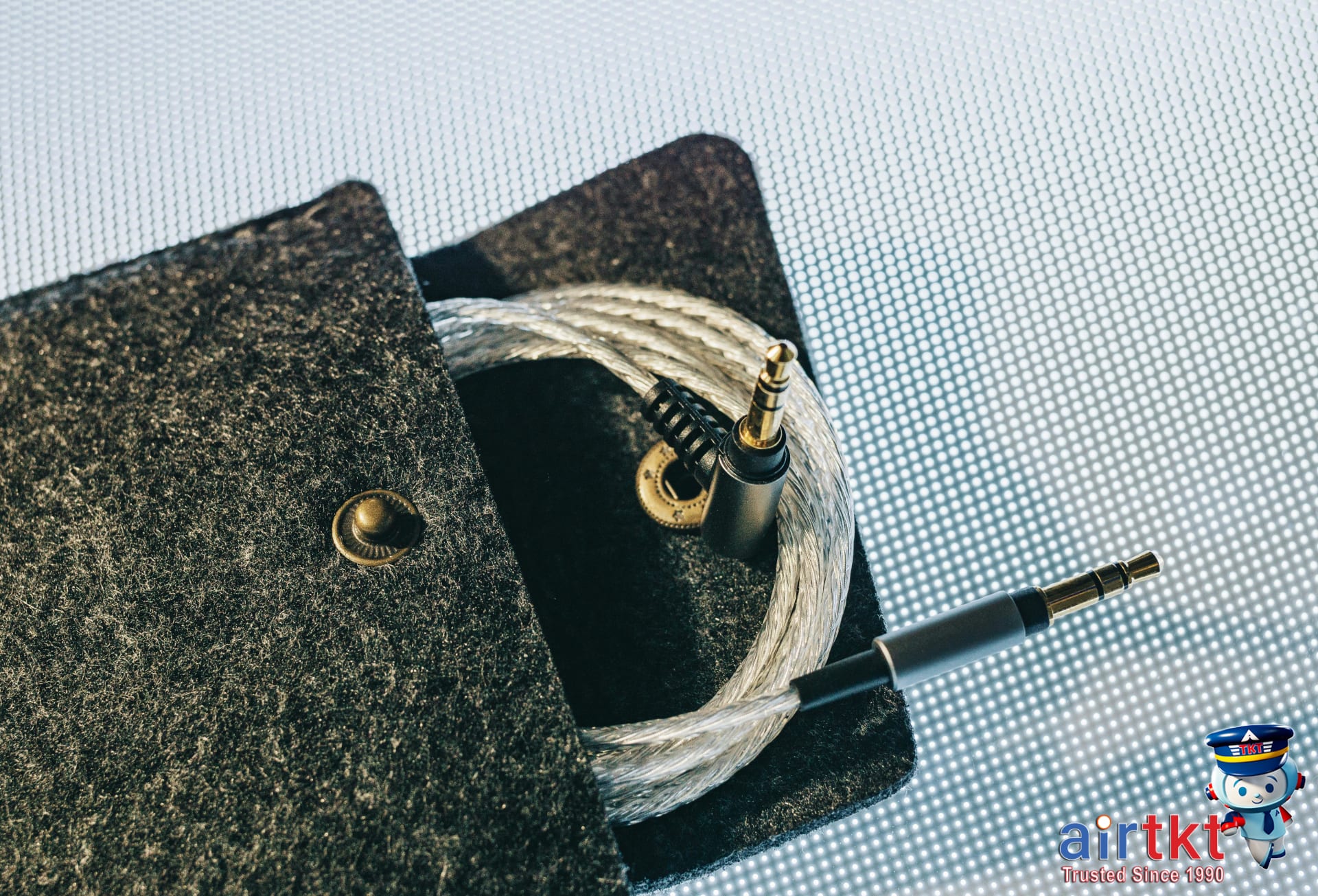
Importance of Proper Electronics Cable Packing
Traveling with electronic devices has become a necessity, but packing their cables often causes frustration and hassle. Common issues include forgotten chargers, tangled wires that waste time untangling, damaged cables from careless stuffing, and even delays during airport security checks as travelers scramble to produce specific cords. These everyday annoyances can disrupt your travel flow and add unnecessary stress.
Properly organizing and packing your electronics cables offers several key benefits: it protects delicate wires from damage, saves precious space in your luggage, and streamlines the security screening process by keeping everything easily accessible. With cables neatly packed, you avoid scrambling for a charger at a gate or on a plane and reduce the risk of carrying unusable or broken cords.
In this article, we’ll guide you through creating a comprehensive checklist of essential cables, adapters, and chargers suited for all types of gadgets. You’ll also discover trusted brand recommendations tailored to different budgets, ensuring durability and performance. Plus, we’ll share important tips to stay within TSA compliance, helping you breeze through security checkpoints without sudden removals or searches of your electronics bag.
Throughout your planning journey, AirTtkt makes travel smoother by offering an easy-to-use platform to book flights, hotels, and car rentals in one place. From real-time fare comparisons to personalized support, AirTtkt’s tools help you save money and reduce stress before you even start packing. Combining thoughtful cable packing with AirTtkt’s seamless booking experience means fewer worries, more convenience, and more time to enjoy your trip.
Essential Electronics Cables to Pack
When preparing for any trip, packing the right electronics cables is crucial to ensure your devices stay powered and connected. Regardless of your travel style — whether for business, remote work, or leisure — these cables are foundational to keeping your gadgets functioning smoothly throughout your journey.
Key Cables for Most Travelers
- USB Charging Cables: The versatile backbone of device charging. Include both USB Type A and increasingly common USB Type C cables to cover smartphones, tablets, e-readers, and portable batteries.
- HDMI Cable: Essential for business travelers who present slides or need to connect to external displays, and for leisure travelers who want to stream media on hotel TVs or projectors.
- Audio Cables: A 3.5mm auxiliary cable or lightning-to-3.5mm adapter may be needed for headphones or connecting to audio systems not supporting Bluetooth.
- Power Cords: Don’t forget device-specific power cords such as laptop chargers or camera power adapters, especially for longer trips or frequent device use.
- Adapters and Converters: Essential for international travel, pack plug adapters matching your destination’s outlets. Voltage converters are needed for devices not compatible with local power standards.
Recommended Quantities for Backup and Convenience
It’s smart to pack at least one to two cables per device. One cable stays with you as the primary charger, and having a backup or an additional cable allows charging multiple devices simultaneously. For example, a remote worker may carry two USB-C cables to charge a laptop and phone at the same time, plus a spare in case one gets misplaced.
Tailoring Cable Kits to Travel Types
- Business Trips: HDMI cables for presentations, sufficient USB-C cables for laptops and phones, and power cords with surge protection for conference venues.
- Remote Work: Multiple USB-C cables, extra power adapters, and possibly USB hubs to connect accessories like keyboards or external monitors.
- Leisure Travel: Just enough USB cables to recharge cameras and phones, audio cables for on-the-go music, and universal plug adapters suited to your destination.
When Specific Cables Are Essential
In some scenarios, particular cables are indispensable. Business travelers often rely on HDMI cables to connect laptops to hotel TVs or conference room projectors. Without one, sharing presentations or streaming content can become challenging. Similarly, audio cables are important for those preferring wired headphones or when Bluetooth isn’t available or reliable.
Power cords tailored to your devices also play a key role. For instance, a laptop power cord ensures uninterrupted productivity, especially during long flights with layovers or in remote locations without charging stations.
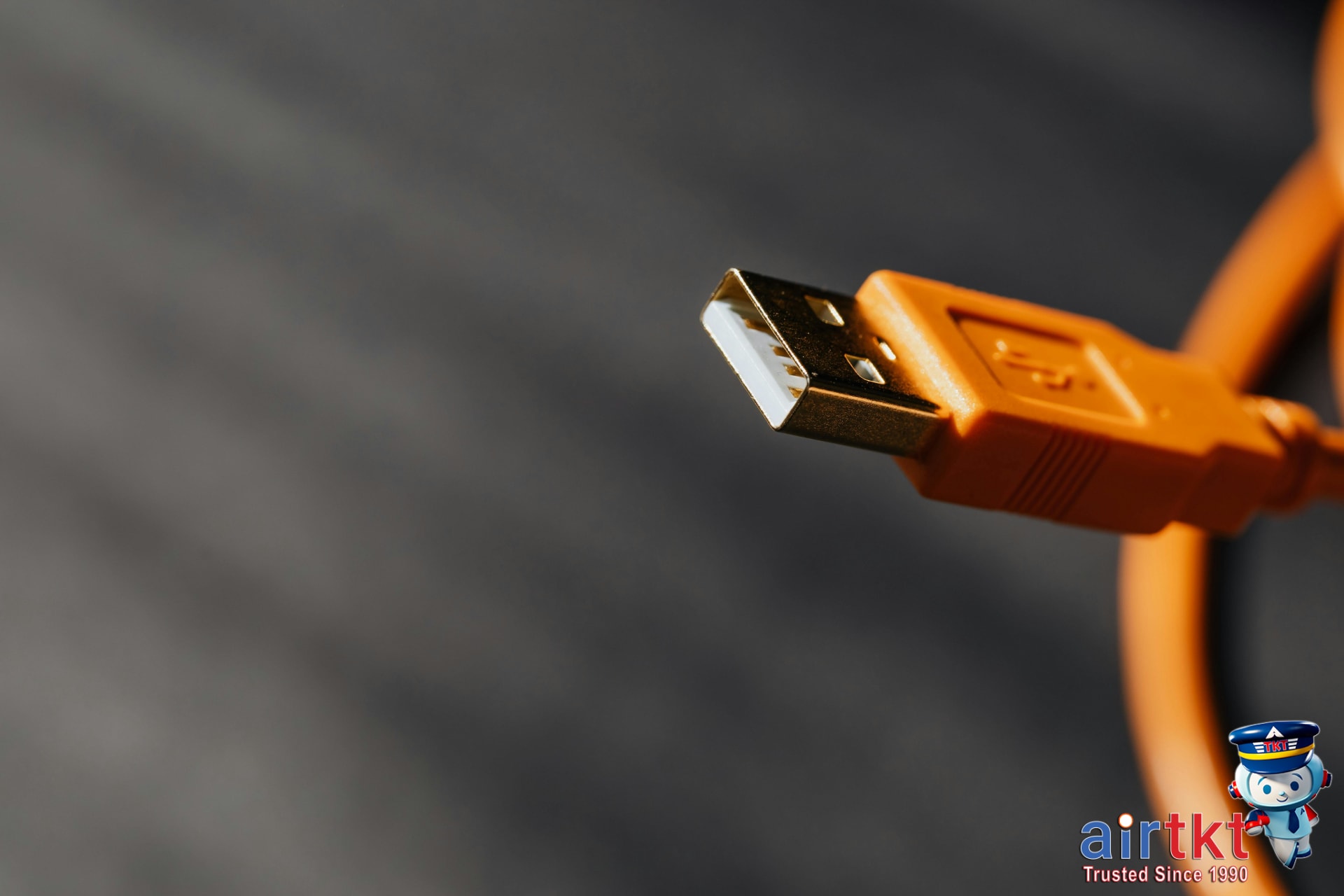
Choosing Cable Brands by Budget
Selecting the right cable brand depends largely on your budget, yet quality and compatibility should never be overlooked. Whether you’re after a basic cable or a premium charging experience, understanding what different price ranges offer helps balance cost with performance and durability.
Budget-Friendly Cable Brands
Budget cable brands prioritize value for money, providing basic functionality at affordable prices. These cables typically use standard materials and offer essential compatibility with common devices. While they cover everyday needs, their lifespan may be shorter and may lack advanced features like reinforced connectors or fast-charging support.
Pros include affordability and wide availability. Cons are generally lower durability, thinner insulation, and limited warranty coverage—usually six months to one year.
Mid-Range Cable Brands
Mid-range brands hit a sweet spot between cost and quality. They feature better materials such as braided nylon coatings and improved connector designs, enhancing durability and flexibility. Additionally, mid-range cables often support faster charging and data transfer speeds.
Many come with warranties of one to two years and better customer service. These brands cater well to those who need reliability regularly without the premium price tag.
Premium Cable Brands
Premium brands like Apple and Belkin elevate cable quality with rugged construction, elegant designs, and extended warranties—sometimes lasting up to three years or more. These cables incorporate cutting-edge technology for optimal charging performance and device compatibility, ensuring safe use with high-end smartphones, tablets, and laptops.
The trade-off is a higher upfront cost, but many consumers find the investment worthwhile for reliability, longevity, and seamless integration with their devices.
Compatibility Considerations
Regardless of brand tier, ensuring cable compatibility with your devices is crucial. Check for the correct connector type—such as USB-C, Lightning, or Micro-USB—and verify support for your device’s charging protocol (e.g., Quick Charge, Power Delivery). Some cables also support fast data syncing and media transfer, which adds value for users connecting to multiple gadgets.
| Brand Tier | Price Range | Durability | Warranty | Design & Features | Pros | Cons |
|---|---|---|---|---|---|---|
| Budget | $5–$15 | Basic, short lifespan | 6–12 months | Simple build, basic compatibility | Affordable, widely available | Prone to wear, limited features |
| Mid-Range | $15–$35 | Improved durability | 1–2 years | Better design, fast charging support | Balanced quality and price, reliable | Still less premium than top brands |
| Premium | $35 and up | Superior build quality | 2–3 years or more | Elegant design, advanced tech | Highest durability and compatibility | Higher cost |
Space-Saving Cable Packing Techniques
Keeping your cables organized while traveling is essential to prevent tangling, damage, and wasted luggage space. Simple tools like cable ties or Velcro strips can bundle cables neatly, keeping them compact and easy to manage. Velcro straps are especially reusable and gentle on cables, preventing sharp bends and preserving their lifespan.
Mastering wrapping techniques significantly contributes to protecting your cables. The figure-eight method, for example, reduces strain by distributing bends evenly along the cable’s length. Alternatively, wrapping cables in loose loops helps avoid kinks and maintains flexibility, making untangling hassle-free at your destination.
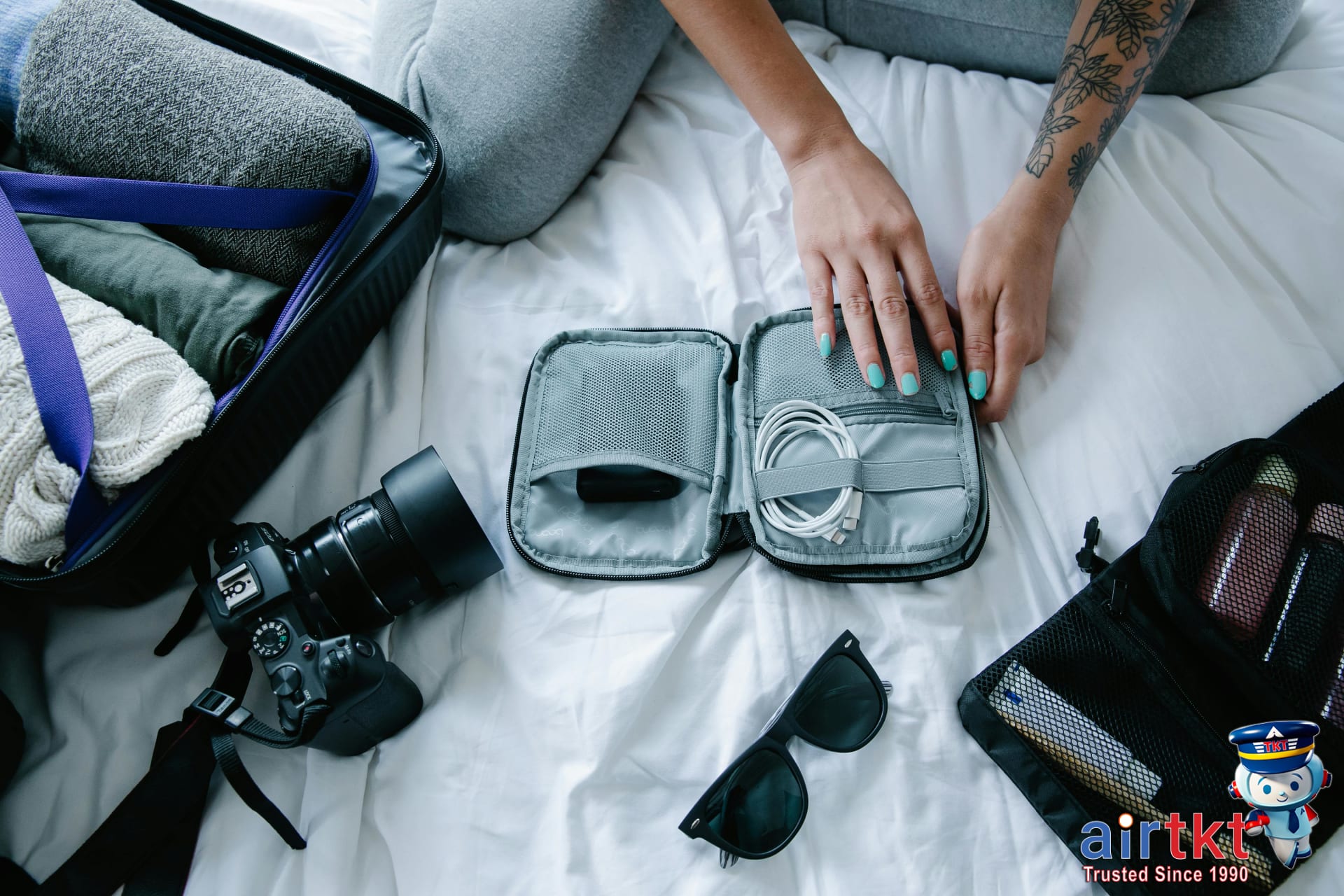
When it comes to storage, dedicated cable organizers are a worthwhile investment for frequent travelers. These organizers feature separate compartments and elastic loops designed specifically to secure chargers, earphones, and USB cords. However, if you’re on a budget, DIY options work well too. Repurposed items like plastic straws can keep cables separated, or small ziplock bags can organize cables by type or length, minimizing clutter.
Inside your carry-on, place cable bundles or organizers in accessible compartments. This setup allows quick retrieval without unpacking the entire bag, saves space, and shields cables from being crushed by heavier items. Consider using padded pouches or wrapping cables in soft fabric to add extra protection, especially for fragile connectors.
To maximize luggage space and safeguard your cables, avoid over-tightening loops to prevent wire damage. Keep charging bricks and adapters in separate pockets or organizers to prevent scratches and improve overall packing efficiency. Layering cables with lightweight clothing inside packing cubes also adds shock absorption.
TSA Cable Rules and Security Tips
When traveling with electronic accessories, understanding TSA regulations is essential to avoid delays at airport security checkpoints. Cables such as charging cords, headphones, and adapters are generally permitted in carry-on luggage without restriction. However, organizing these items thoughtfully can speed up the screening process and minimize traveler frustration.
One key concern is cables that incorporate batteries or power banks. TSA rules allow lithium-ion batteries and power banks in carry-on bags only; they must typically not exceed 100 watt-hours (Wh). Devices like wireless headphones with built-in batteries or cables with integrated power banks must comply with these power limits. It’s important to carry these items in your hand luggage rather than checked baggage, as TSA prohibits batteries in checked bags due to safety risks.
To streamline your security experience, pack your cables neatly—use cable organizers or twist ties to keep them untangled. This not only prevents snags during inspection but also allows TSA agents to quickly examine your electronics if needed. Place your devices and cables in an easily accessible spot, such as a dedicated pouch or the top layer of your carry-on, so you can remove them swiftly when going through screening.
Typical traveler issues often include tangled cables causing confusion or delayed inspections, and carrying oversized power banks unknowingly violating TSA rules. To avoid these pitfalls:
- Check the watt-hour rating on your power banks before you travel.
- Limit the number of electronic accessories to essentials.
- Avoid wrapping cables around bulky devices to reduce tangling.
- Remove any devices with integrated batteries from your bag promptly when asked.
Adhering to these practical guidelines can significantly reduce security wait times and hassles. For the most current rules, always confirm details on the official TSA website before your trip.

Weight Distribution and Luggage Tips
When traveling with cables and electronic accessories, managing their weight efficiently can prevent unexpected fees and ease your packing process. Common cables such as USB cords, chargers, and HDMI cables usually weigh between 0.2 to 0.5 pounds each, while heavier adapters or power bricks can add up to 1-2 pounds. It’s important to estimate the combined weight of your gear before packing.
To avoid overweight baggage fees and streamline security screening, distribute your cable gear thoughtfully between your carry-on and checked luggage. Placing some cables in your carry-on allows you to keep essential items handy and reduces the risk of damage or loss. Meanwhile, spreading the bulkier or less critical cables in checked bags balances the load, preventing any one bag from becoming too heavy.
Typical airline luggage policies usually set a weight allowance of 50 pounds (23 kilograms) for checked bags on most domestic and international flights. Carry-ons generally have a smaller limit, often around 15-22 pounds (7-10 kilograms), depending on the airline. Overweight fees can range from $30 to over $100 per bag if these limits are exceeded, so packing within these limits is vital.
Heavier cables and multiple adapters require special attention when packing:
- Weigh your bags beforehand to adjust and redistribute as needed.
- Consider placing bulky chargers or power packs in your checked luggage if they are not critical in-flight.
- Use cable organizers or pouches to keep accessories tidy and avoid extra bulk.
Depending on your travel type—business, leisure, or extended trips—and your baggage allowance, prioritize packing cables accordingly. For short trips, limit cables to essentials placed in your carry-on to avoid waiting at baggage claim. For longer journeys with extensive gear, use both checked and carry-on bags strategically to prevent overweight charges while maintaining quick access to important items.
Avoid Common Cable Packing Errors
Packing cables might seem straightforward, but travelers often fall into common traps that complicate their journeys. One frequent mistake is overpacking unnecessary cables. Bringing every cable imaginable adds bulk and weight, making your luggage cumbersome. Assess your real needs and pack only essential cables and adapters for your devices to lighten your load effectively.
Equally troublesome is forgetting essential cables or backups. Leaving behind your charging cable or presentation adapter can disrupt your travel plans and cause unnecessary stress. Create a checklist of must-have cables beforehand and consider carrying duplicates of critical items to ensure connectivity wherever you go.
Poor cable management leads to tangled messes, potential damage, or even lost cords during transit. Using cable organizers like small pouches, flexible bands, or individual zip bags helps keep cables neatly coiled and protected. This organization reduces wear and makes it faster to find the right cord when needed.
Ignoring airline or TSA guidelines is another risk. Some cables with large adapters or battery packs may raise security concerns or be subject to restrictions, causing delays or confiscation. Always check the latest airline and TSA rules before packing, especially for electronic accessories, to avoid last-minute surprises.
Lastly, packing all your cables in one large bundle is a recipe for tangling and damage. Instead, segregate cables by type or usage, wrapping each securely before placing them in separate compartments or pouches. This practice preserves cable integrity, keeps your bag orderly, and prevents accidental breakage or misplacement.
Electronics Cable Packing FAQ
Packing electronics cables for international trips can be tricky. Knowing which cables to bring and how to protect them helps avoid last-minute hassles.
What Essential Cables Should I Pack?
Start with your device chargers—phone, tablet, laptop—plus any adapters for international outlets. Include USB charging cables (Type-C, Lightning, Micro-USB) for your devices and any specialized cables for headphones or cameras. A portable charging cable with multiple connectors is a smart space saver.
How Can I Keep Cables Organized?
To prevent tangles, use cable organizers like zippered pouches or cable ties. Wrapping cables in a gentle coil and securing with reusable straps protects the connectors. Consider dedicated tech organizers, which keep cables separate and accessible, perfect for quick airport security checks.
When Should I Buy New Cables?
Inspect your cables before departure. Replace frayed or faulty cables at least a week ahead to avoid last-minute stress. Buying in advance also gives time to test quality and compatibility. Buying on the trip often costs more and might not fit your devices perfectly.
Why Is TSA Compliance Important?
TSA requires electronics and their accessories to be easily accessible during screening. Avoid bulky cable cases that delay inspections. Keeping cables tidy in clear pouches speeds up security checks, reducing the risk of damage or confiscation.
Can I Carry All Cables in Carry-On Bags?
Yes, it’s best to pack all electronics cables in your carry-on. This keeps them safe from checked luggage handling, reducing damage or loss risk. Plus, having cables handy in your carry-on means you can charge devices throughout your journey.
How Do I Avoid Cable Damage During Security Checks?
- Place cables in dedicated compartments or clear bags for easy visibility.
- Avoid overstuffing bags to prevent bending or crushing.
- Remove bulky cable bundles to lay flat inside your bag when possible.
- Use durable cable protectors or cases designed for travel.
What Brands Offer Best Travel Cables?
Brands like Anker, Nomad, and Belkin offer excellent balance of durability, compatibility, and affordability. These brands produce cables designed for travel—reinforced connectors, braided cables, and multi-device compatibility—ensuring longevity and convenience.
Master Electronics Cable Packing for Stress-Free Travel
Packing electronics cables can be a tricky task, but mastering it ensures a smooth, stress-free travel experience. To recap, focus on identifying the essential cable types you need—charging cables, adapters, headphones, and power banks—while favoring trusted brand selections to avoid malfunctions during your trip. Organize these cables using cable ties, pouches, or dedicated compartments to prevent tangling and damage. Remember to review TSA rules beforehand to ensure compliance and avoid confiscation of prohibited items. Avoid common mistakes like overpacking redundant cables or neglecting to test your gear prior to departure.
Advance preparation is key to hassle-free travel. Taking the time to pack electronics cables thoughtfully means saving precious moments and frustration at the airport or hotel. Using an organized approach helps you stay ready for unexpected needs, from powering devices on long flights to connecting equipment for work or entertainment abroad.
When it comes to booking your flights and organizing the rest of your trip, AirTtkt provides a seamless experience. With access to over 470 airlines and a variety of flexible search tools, AirTtkt makes finding affordable flights straightforward. Plus, their 24/7 customer support ensures help is just a call away, adding an extra layer of confidence to your travel planning.
By combining smart cable packing strategies with reliable travel booking through AirTtkt, you set yourself up for a smarter, more enjoyable travel experience. Explore their platform for your next trip and pack your electronics gear with confidence so you can focus on the journey ahead.