

Why Travel Apps Matter For Trips
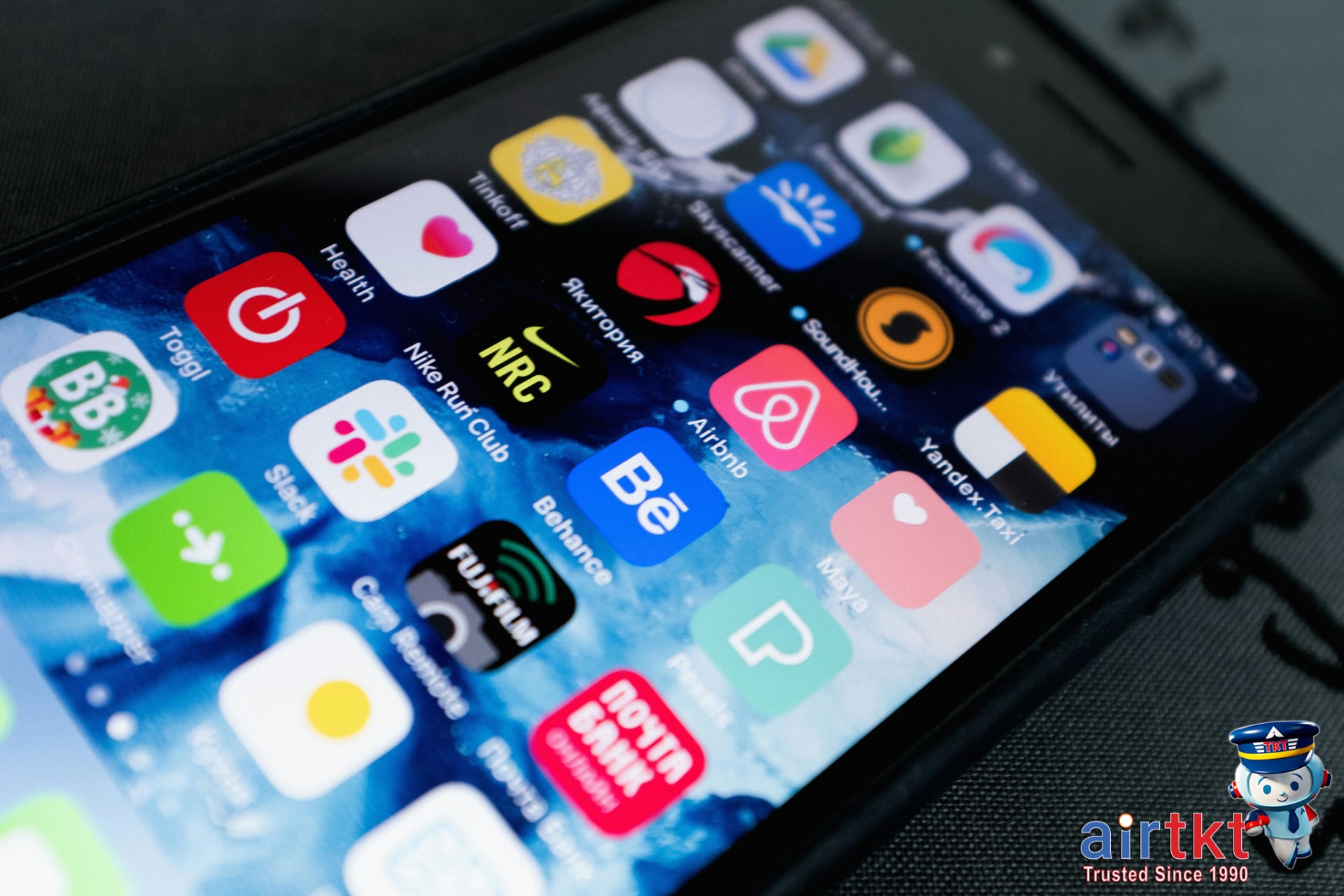
Travel has changed a lot, and nothing drives that home more than the way travel apps shift how we plan, move, and stay organized. Just a few taps can mean the difference between a scramble for directions in a strange city and a smooth trip from airport to hotel. In my own travels, I’ve noticed how much less stressful things become when I use a good suite of apps—they cut down on uncertainty and save me serious time.
Some apps help you score better deals on flights or hotels, like the ones covered in the airtkt.com guide to flight and hotel deals. Others focus on navigation, local transport, or translating unfamiliar languages on the go. You’ll also find apps for tracking trip expenses and storing your key documents, plus safety tools for staying aware in new locations.
This article will break down all those categories: booking and deal-finding apps, navigation and maps, communication and translation, budget and finance organizers, and the best tools for safety and local insights. I’d never leave home without at least a couple of these on my phone. Being prepared with the right digital tools really does make travel feel a little less daunting and a lot more rewarding.
Essential Travel Planning Apps
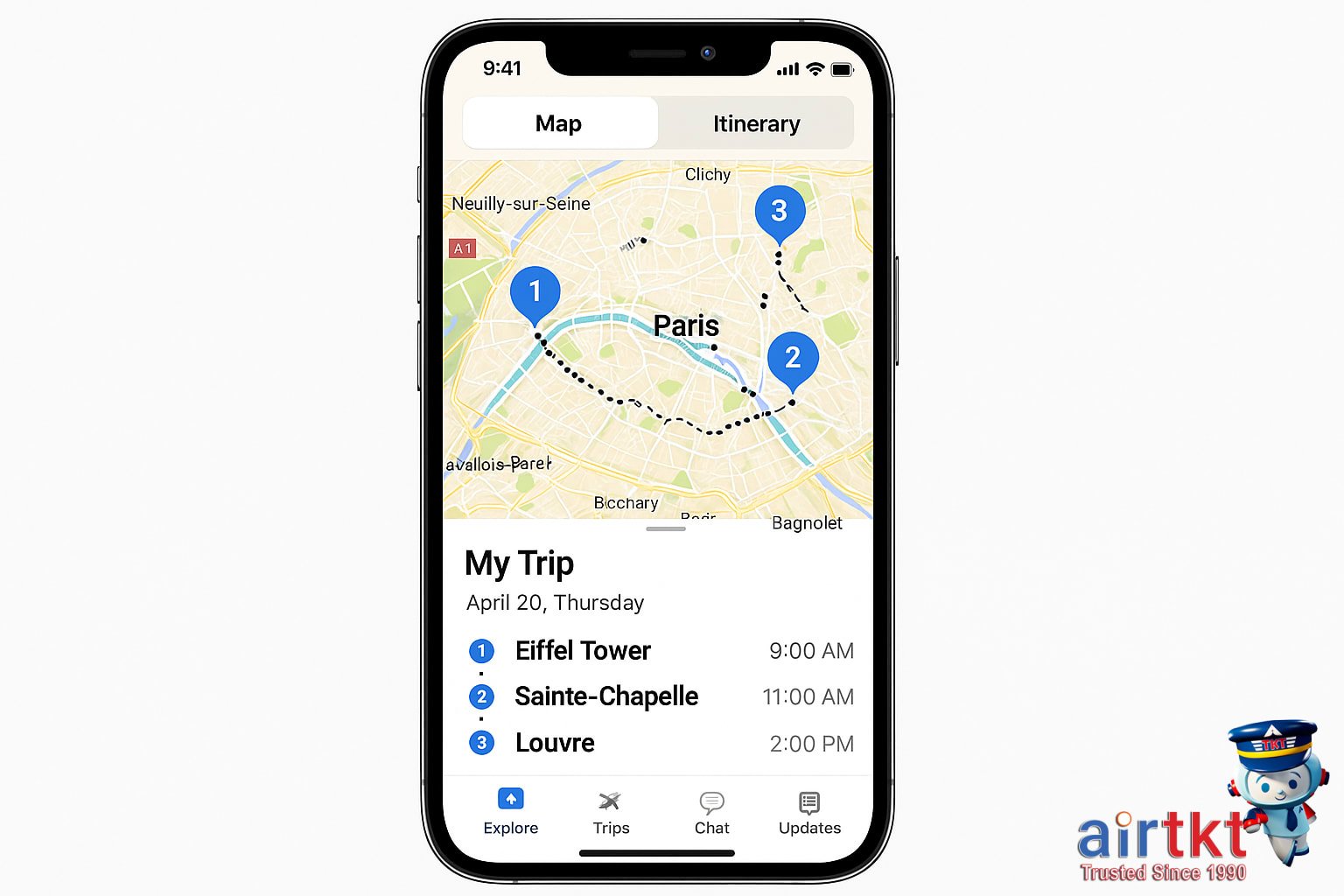
When it comes to planning a smooth trip, a handful of travel apps have become essentials for any traveler. For flight tracking and itinerary management, apps like TripIt help you organize confirmations, gate changes, and hotel reservations in one easy timeline. Real-time notifications are incredibly useful—I once had a multi-country itinerary with tight connections, and TripIt’s alerts helped me adjust on the fly when a crucial flight was delayed.
Flight tracking tools such as FlightAware are invaluable for up-to-the-minute departure and arrival info. If you want added peace of mind during unpredictable weather or peak travel periods, being able to check gate changes and delay forecasts directly on your phone makes all the difference.
For booking assistance and savings, flexible date search tools can shave real money off your travel budget. The airtkt.com platform’s Lazy Fare feature highlights cheaper alternative routes and identifies lower prices for nearby airports and travel dates. I usually compare fares using their flexible date search tool—sometimes shifting your departure by just one day can cut the price by a surprising amount. Many flight booking apps now integrate price alert notifications, so you’ll know the moment a fare drops on your preferred route.
In short, combining itinerary managers with price tracking and flexible search functionality gives you greater control and fewer travel surprises. I’d compare both app features and web-based tools before settling on just one platform, as integration and user experience can differ quite a bit.
Best Navigation and Maps Apps
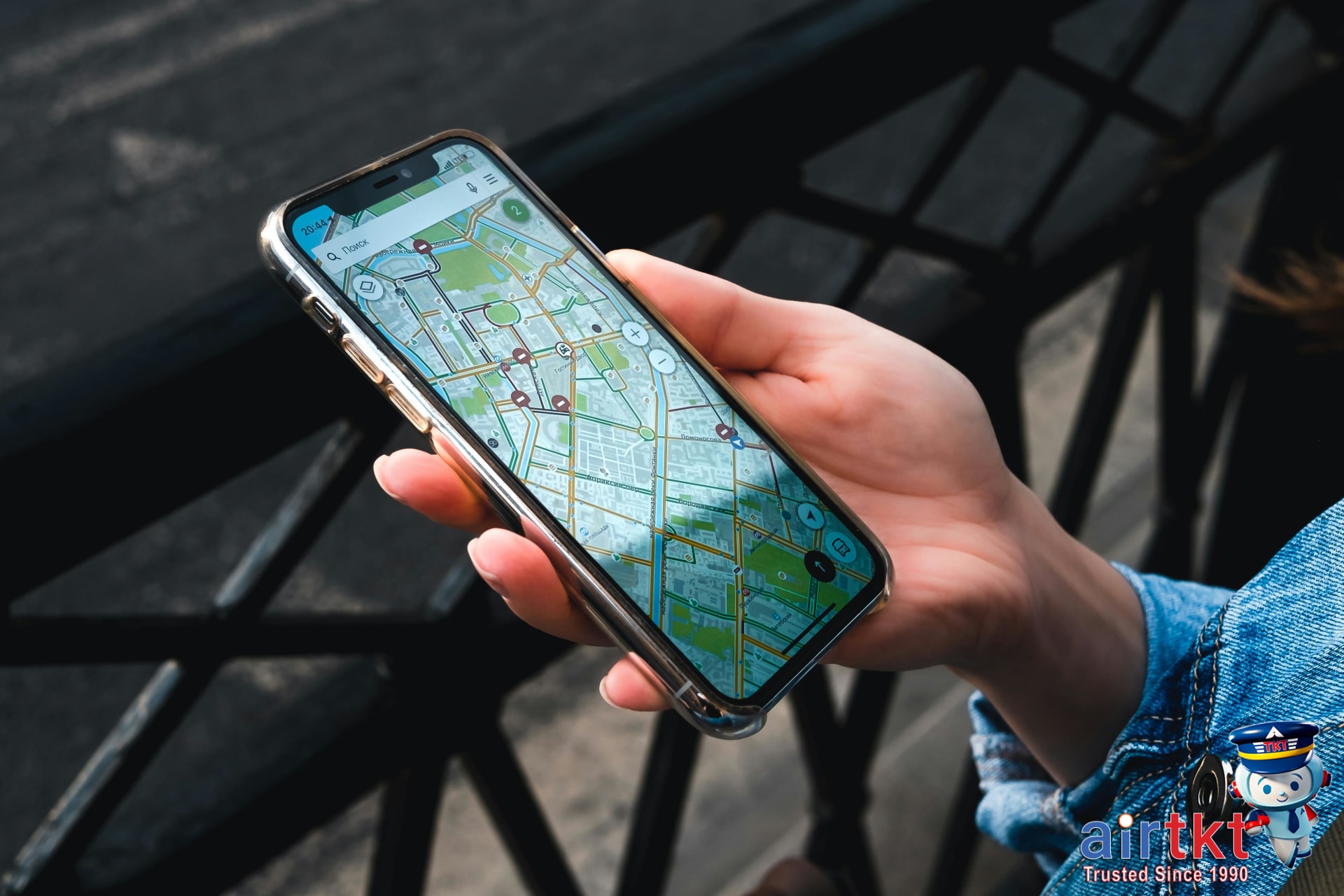
Getting around a new city can be daunting if you’re unfamiliar with the streets, local transport options, or even the language. This is where reliable navigation apps come in handy. In my experience, relying on these apps has saved me from making wrong turns in bustling cities and made exploring neighborhoods much more enjoyable.
Top Apps for Offline Navigation
Google Maps remains a staple for most travelers, offering the ability to download maps of entire cities or regions for offline use. Before your trip, open the app, search for your destination, and tap the download option. This gives you access to street information, landmarks, and even some restaurants and transit stops without needing data abroad. Another excellent choice is Maps.me, which is completely free and built around offline navigation. The app features detailed maps you can use for walking, driving, or cycling in cities worldwide—simply download the area map before you leave Wi-Fi coverage.
Apps for Public Transit Schedules
If you plan to use public transportation, consider apps like Citymapper or Moovit. Both integrate real-time transit data for buses, trains, and subways in dozens of major cities. I’d compare both options before choosing, as Citymapper often excels in larger cities, while Moovit covers slightly more destinations. Downloading your upcoming route details or saving favorite stations ensures you aren’t stranded if you lose internet access unexpectedly.
Offline Prep Makes a Difference
Don’t wait until you arrive to set up your navigation apps. Download offline maps, save those key locations, and explore app features at home first. This habit has helped me cut down on stress, avoid unnecessary detours, and reduce data charges. For anyone trying to manage mobile data abroad, I suggest reading our traveling offline and mobile data tips blog post as a next step.
Top Apps for Travel Budgeting
Tracking expenses on the road used to mean juggling receipts and scribbling notes at the end of a long travel day. Now, a few smart apps have made it much easier to manage your travel budget and avoid the nasty surprise of spending more than planned. Popular tools like Trail Wallet, TravelSpend, and Splitwise offer intuitive expense logging, real-time budget overviews, and built-in currency converters to help you stay on track—whether you’re traveling solo or splitting costs with friends.
One feature I rely on is custom budget alerts, which notify me when I’m getting close to my daily spending limit. Having these reminders has made a real difference; I remember one trip where the app nudged me about three days in that I’d been splurging a bit on meals. Thanks to that heads-up, I adjusted my choices and finished the trip comfortably within my set budget. Apps like these let you categorize expenses, attach receipts, and check conversion rates, all in a couple of taps.
Another bonus: they can help with group trips, taking the awkwardness out of splitting bills. Instead of tallying up who owes what at the end, everyone logs expenses as they go, and the app does the math for you. I usually recommend setting your budget in U.S. dollars but tracking foreign currency spending within the same app for a clear picture.
Best Translation Apps For Travelers
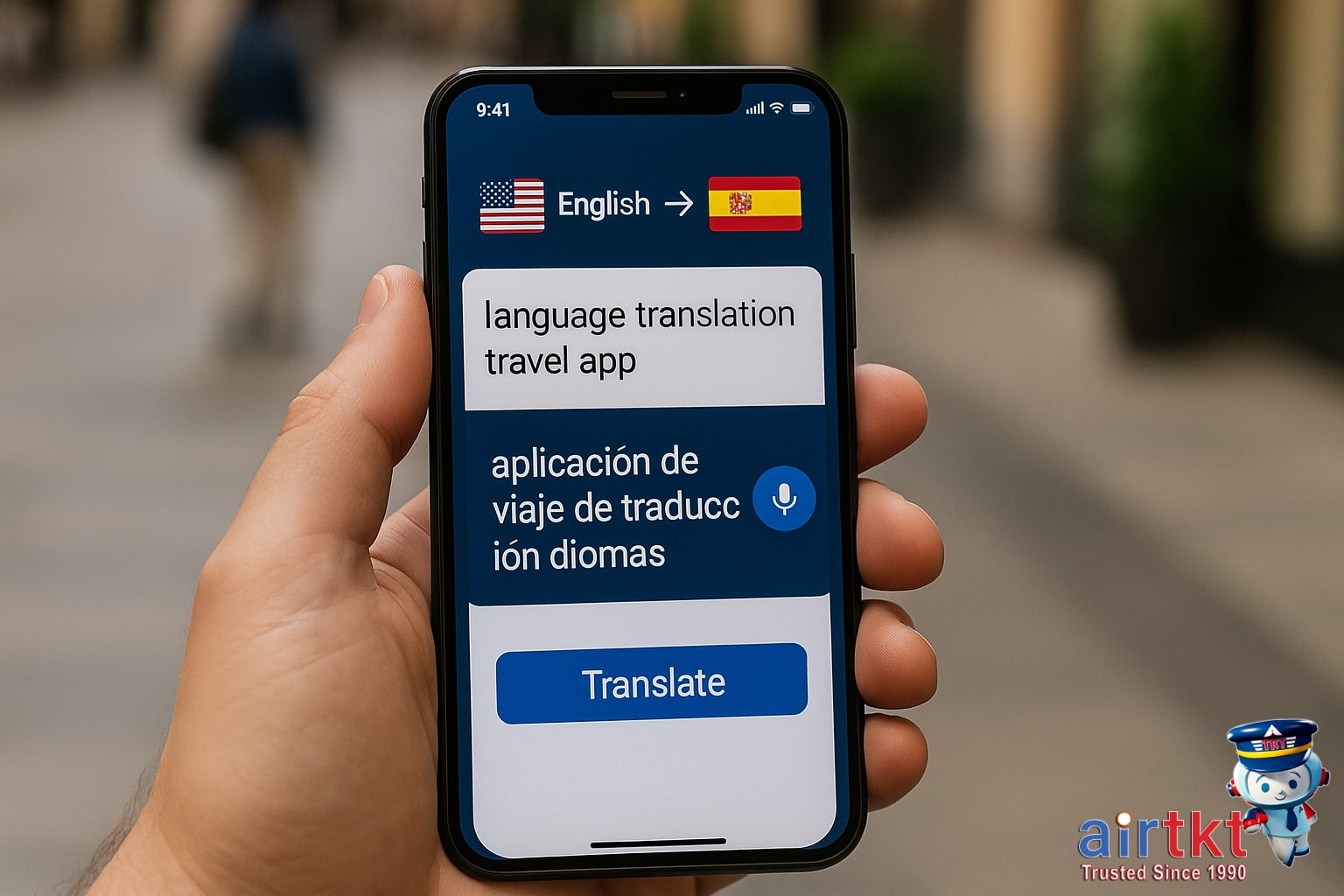
Getting your message across in a foreign country can be surprisingly easy thanks to today’s translation apps. Options like Google Translate, iTranslate, and Microsoft Translator all offer real-time voice translation—handy for conversations at restaurants, markets, or train stations. I’ve found that simply speaking into my phone with Google Translate made ordering food in Italy a breeze, even when Wi-Fi was nowhere to be found.
Most top apps support text translation and come with built-in phrasebooks for common travel needs: greetings, directions, eating out, and emergencies. What sets these tools apart, though, is their offline functionality. Before your trip, you can download language packs to your device so you’re not left stranded if you lose data or Wi-Fi. In my experience, having the local language pack ready saved me more than once when I couldn’t get a reliable connection abroad.
Some apps, like iTranslate, even allow offline voice conversations in dozens of languages—a lifesaver if you’re negotiating at a street market or asking for help on a remote train platform. Phrasebooks come in handy for quick lookups without typing, and favorites can be saved for instant recall.
Offline Access and Entertainment Apps
Long flights and airport delays can feel endless without good entertainment. Luckily, a bit of preparation with the right offline apps can turn hours of waiting into something enjoyable—or at least bearable. I’ve relied on apps like Spotify, Audible, Pocket, and Netflix to keep boredom away on marathon journeys where Wi-Fi was unreliable or simply not available.
Here are some of my top picks for offline travel entertainment and practical info:
- Spotify or Apple Music – Download your favorite playlists or podcasts for easy access, no streaming needed.
- Netflix and Amazon Prime Video – Save movies or shows to your device before your trip.
- Audible or Libby – Audiobooks and ebooks help the time pass quickly, especially if you get lost in a good story.
- Google Maps or Maps.me – Download offline maps of your destination. This is a lifesaver for finding your way without mobile data.
- Pocket – Save long reads, guides, or travel articles for offline browsing. I usually stash a handful from blogs or news sites right before heading out.
Be sure to download your content and update any apps while you still have strong Wi-Fi—waiting until you’re at the gate or in-flight rarely works out well. I’ve learned the hard way that some apps require you to log in online before you can open anything offline, so double-check access the night before your flight.
Safety and Emergency Travel Apps
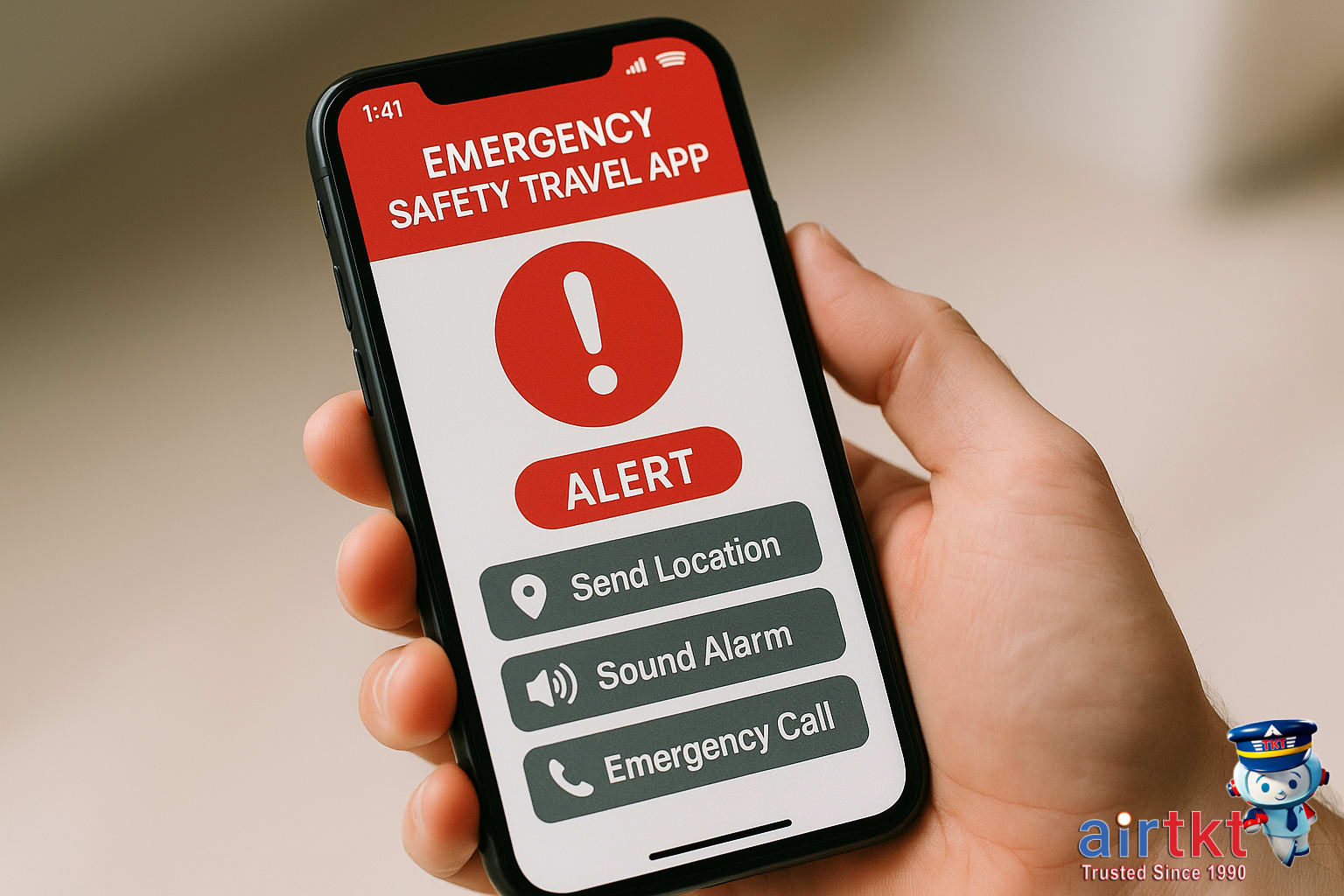
Traveling with a safety and emergency app on your phone is a smart precaution—whether you’re heading abroad or staying close to home. Apps like Google Safety, bSafe, and Red Panic Button let you share your live location with trusted contacts, send alerts if you feel unsafe, and even access emergency services with one tap. I’ve personally felt much more confident exploring new neighborhoods knowing I could instantly reach out to someone if needed.
Before your trip, download and install at least one of these essential apps. Test all the main features, including location sharing and emergency alert functions, to make sure everything works with your phone and your chosen contacts. Some apps even allow scheduled check-ins, which prompt you to confirm you’re safe at regular intervals. If you miss a check-in, your emergency contact will get a notification. I usually run a quick trial with a friend at home—that way, I know my app is reliable when I’m on the road.
Sharing your location while traveling is simple but invaluable. In the app’s settings, add one or two trusted contacts—typically close family or friends who would be quick to respond in the event of an emergency. Let them know you’re heading out before a day trip or night out in an unfamiliar place. Should anything happen, your contact can see your real-time location and act fast if you need help. This peace of mind makes it easier to focus on enjoying the journey.
Best Travel Deals and Alert Apps

Finding irresistible travel deals is a matter of timing, and using the right deals and discounts travel apps can make all the difference. Apps like Hopper, Skyscanner, and Honey Travel send instant alerts for special airfare drops, hotel flash sales, and local experiences at discounted prices. These real-time notifications can be a lifesaver, especially if you’re flexible or ready to book at a moment’s notice.
In my case, I snagged a last-minute direct flight to San Francisco through a deals app alert—saving nearly $100.00 on what I’d expected to pay. With features like fare prediction and price tracking, these apps are fantastic for stacking savings, but they pair even better with the exclusive promotions found on airtkt.com. I usually compare the app’s alert with the latest special offers listed on airtkt.com’s deals and discounts page before booking, and this two-step approach almost always gives me the best value for my trip.
Deal apps typically work by allowing you to set filters for preferred destinations, dates, and budgets. Some also scan for package deals or last-minute offers, giving you an extra edge during holiday periods or busy travel seasons. If you want to maximize your budget, don’t rely on just one platform—combine app alerts with special web discounts for the deepest savings.
Packing and Checklist Apps Explained
If you’ve ever made it to your destination only to realize you forgot something important, you’re not alone. Packing and checklist apps are a genuine lifesaver for travelers who want to avoid that last-minute scramble or missing item. The best apps, like PackPoint, Packing Pro, and TripList, let you create fully customized lists based on your trip length, weather forecast, and planned activities. Some even remind you to pack tricky essentials—like chargers, travel documents, and medications—so nothing gets left behind.
These apps aren’t just about itemizing your suitcase. They often include helpful features such as sharing lists with fellow travelers, storing template lists for repeat trips, and even syncing across devices so you can check things off from your phone or tablet as you go. In my experience, using a packing app has cut my prep time and stress in half. Now, instead of worrying if I’ve remembered everything, I can quickly tick off each item and move on to the fun parts of travel planning.
The biggest benefit to these packing checklist tools is peace of mind. As you get closer to your departure date, a digital list can be updated, expanded, or pared down to match your needs—making forgotten toothbrushes or sunscreen much less likely. If you’re someone who likes to stay organized and hates last-minute panicking, it’s well worth exploring a few free or paid packing apps on your phone before your next trip.
Travel App Budget Table Comparison
Comparing travel app categories by budget tier can make a big difference in how much you spend—and enjoy—on your trip. Travel booking apps generally fall into three pricing groups: Budget, Mid-range, and Luxury. I found that choosing an app aligned with my budget actually streamlined my planning and helped me avoid overspending on extras I didn’t need.
This table breaks down representative fixed prices for each app type—Accommodation, Food, Transport, and Activities—by budget tier. Use these numbers as a starting point when deciding which travel apps best match your travel style and spending priorities. There’s no need to splurge on luxury restaurant reservations apps if you’re more interested in street food discoveries, or vice versa.
| Budget | Mid-range | Luxury | |
|---|---|---|---|
| Accommodation | $25.00 | $80.00 | $230.00 |
| Food | $12.00 | $26.00 | $68.00 |
| Transport | $9.00 | $22.00 | $70.00 |
| Activities | $15.00 | $40.00 | $120.00 |
Using either a budget, mid-range, or luxury-focused app makes a difference not just in costs but also in the overall experience—whether you’re reserving beds in hostels, booking boutique hotels, or looking for premium guided excursions. Apps curated for a specific tier tend to feature deals and services matching that style, so I’d recommend weighing both the numbers and the kind of travel you want.
Travel Apps Frequently Asked Questions
- Are travel apps safe to use for booking?
Most reputable travel apps are safe to use for booking, especially when downloaded from official app stores and when their privacy policies are clearly outlined. Always check for recent app updates and read user reviews to spot potential issues before saving sensitive information or making a purchase.
- What are the best travel apps for offline use?
Many travel apps offer offline features such as downloadable maps or saved itineraries. Apps like Google Maps let you download specific areas, while many translation and currency converter apps work without internet. Always download or save key info before leaving Wi-Fi to avoid being caught without access.
- Do travel apps work on both iOS and Android?
Most major travel apps are available for both iOS and Android devices, but it’s wise to confirm compatibility on your preferred app store before your trip. Some smaller or regional apps may only support one platform, so check in advance to avoid inconvenience during your travels.
- How much do travel apps typically cost?
Many popular travel apps are free to download and use, though some offer optional paid features or subscriptions for advanced functions. For example, a budgeting app might let you track expenses at no cost, but charge about $4.00 for premium tools or ad-free use. Check app descriptions for details.
- Can travel apps replace traditional guidebooks?
Travel apps are convenient and always up-to-date, offering real-time maps, translation, and local recommendations. However, some travelers prefer the tactile feel and insight of printed guidebooks, especially in areas with spotty reception. It’s smart to download important info or bring a backup guide just in case.
- Are travel apps reliable for last-minute changes?
Travel apps can help with last-minute plan changes by updating reservations, searching alternative routes, or providing alerts about delays. Response speed depends on the app and your connectivity. Before your trip, test your favorite app’s update features so you’re ready during fast-changing situations while abroad.
- Which travel apps are recommended for booking flights?
Many users prefer apps that aggregate fares from multiple airlines and also offer customer service support. Choosing an app from a trusted online booking platform, like airtkt.com, can simplify comparing fares and managing your bookings from one central dashboard on your device.
Final Thoughts on Travel Apps
Travel apps have truly transformed the way we plan, organize, and experience trips—no matter where in the world we’re headed. From real-time flight updates to digital maps, language translation, and easy expense tracking, the benefits can make a real difference in both convenience and peace of mind. Having the right mix of apps on my phone has honestly saved me time and a few headaches more than once, especially when juggling multiple bookings or navigating a new city.
The best part is, there’s an app out there for nearly every type of traveler and every possible need. Don’t be afraid to try several until you discover the ones that feel easiest and most reliable for your own style. Just remember, apps work best when they’re kept up-to-date—not only for new features but to help keep your personal data secure. With a little experimentation and regular maintenance, your phone can become the most useful tool in your travel kit.